"Use ChatGPT to build my website" usually returns one of two things: a step-by-step on writing HTML by hand (useless for most people) or a sales pitch for an AI website builder (a stretch on what "AI" actually does).
Here's the version that actually works: use ChatGPT for the parts where AI is good (copy, structure, ideas), and pair it with a platform that does the rest. You don't write code. You don't sit through a 40-step builder onboarding. The model does the heavy lifting.
Step 1: Use ChatGPT to plan your site, not build it
Before any pixels, get the structure right. Open ChatGPT and prompt:
"I run a [type of business] in [city]. My customers are [description]. Help me plan a website. What pages do I need, what should each page accomplish, and what should the call-to-action be on each one?"
You'll get a sitemap: home, about, services, pricing, contact, plus maybe specialty pages depending on your industry. That's your map.
Then for each page, prompt:
"Draft the copy for my home page. Tone: [confident/friendly/technical]. Include: hero headline, three feature bullets, social proof section, FAQ. The reader should walk away thinking [main message]."
You'll get a draft. It will need editing: AI copy reads generic by default. Tighten it. Cut hedges. Replace vague phrases with specifics from your actual business.
Step 2: Use ChatGPT for SEO planning
Prompt:
"I want to rank for [city] [service]. List 20 long-tail keywords I should target, group them into topic clusters, and tell me what page each one belongs on."
You'll get a usable starting keyword strategy. It's not as deep as a real SEO tool, but it's far better than nothing and free.
Step 3: Pick a platform that doesn't fight ChatGPT
This is where most ChatGPT-for-websites tutorials fall apart. They tell you to ask ChatGPT for HTML, then paste it into something. Or they push a builder that ignores your ChatGPT output and forces you through a template wizard.
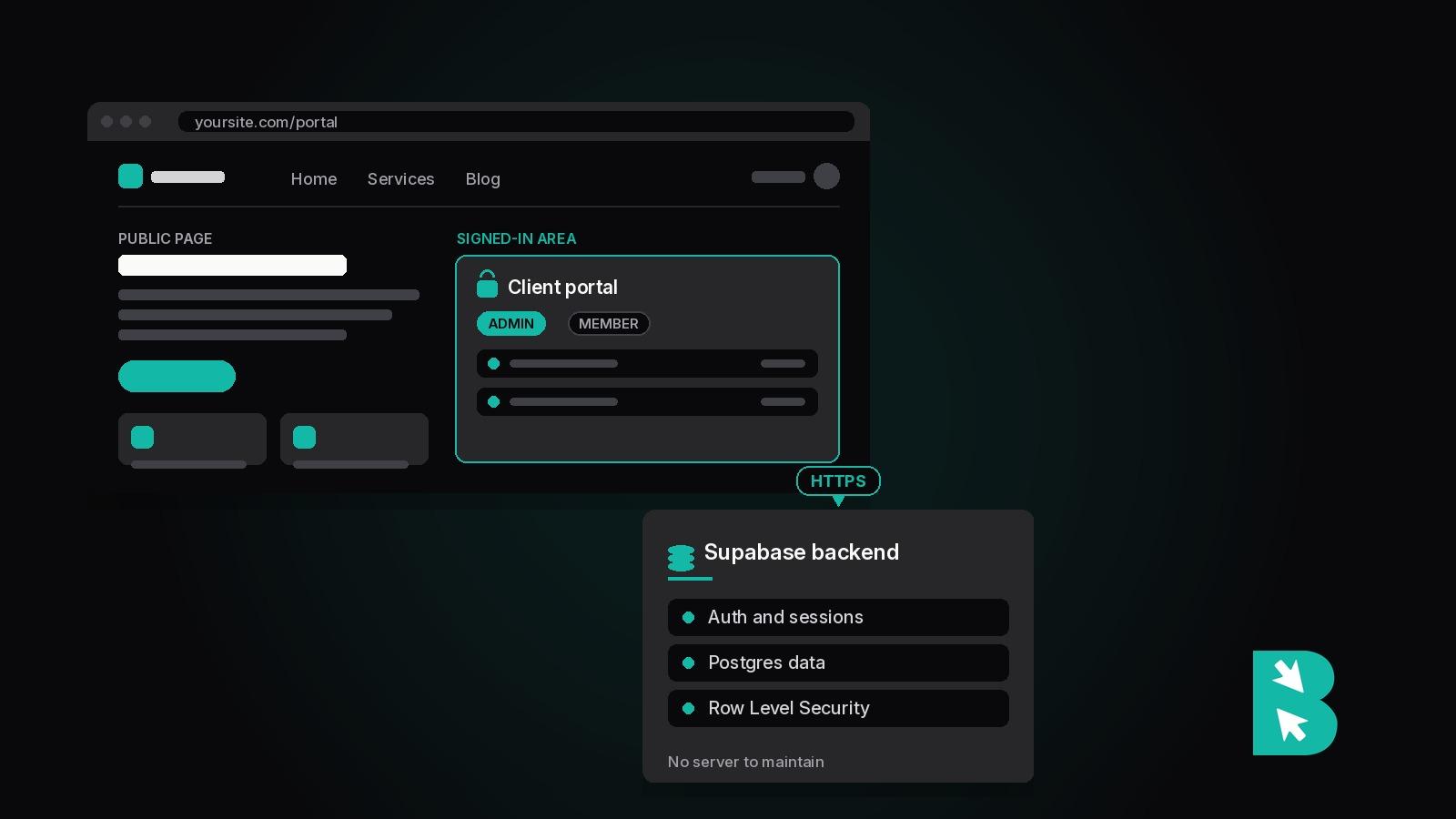
What you want: a platform where ChatGPT can directly edit the site. That's the integration that actually matters. Either ChatGPT can read your pages and propose edits, or it's just a separate doc you copy-paste from.
A few platforms support direct ChatGPT integration. BrightSite is one: there's an MCP (Model Context Protocol) connection that lets ChatGPT (and Claude) read your site, propose changes, and apply them. See how BrightSite's ChatGPT integration works.
Step 4: Use ChatGPT for ongoing updates
Once the site is live, ChatGPT is most useful for the part most owners hate: keeping it fresh.
"Write a blog post about [topic] in our brand voice." "Update the FAQ to address [common question]." "Rewrite the hero for our new pricing." All of these are 5-minute tasks with AI and 5-hour tasks without it.
The platforms with direct AI integration let you skip the copy-paste step. You ask, the model edits, you approve.
What ChatGPT can't do (yet)
It can't pick brand colors that work for your audience. It can't tell you whether a photo of your team will convert better than a stock illustration. It can't replace getting feedback from real customers.
It also drafts in a generic, slightly hollow voice unless you push back. Read every draft critically. Cut anything that sounds like it was written by a robot. Replace with specifics from your actual business.
The fastest path
- Plan structure with ChatGPT (1 hour)
- Draft all copy with ChatGPT (2-3 hours, including editing)
- Pick a platform with native AI integration so you don't manually copy-paste (BrightSite, or any platform that supports MCP)
- Launch in a weekend
- Iterate with ChatGPT in the loop instead of opening a builder UI every time you want to change something
The category is shifting fast. By the end of 2026, "AI-native website" will be a meaningful product distinction, not a marketing buzzword. BrightSite is built for this from day one, but whatever platform you pick, the key question is "can ChatGPT directly edit this site, or do I have to copy-paste everything?"
If the answer is copy-paste, find a better platform.