The quickest way to check where you rank is to search for your keyword and scroll until you find yourself. Most people stop there, and most people get the wrong answer. Google tailors results to where you are, what device you're on, and what you've searched before. The position you see is your position, from your desk, today.
Checking properly means taking those variables out: the same keywords, searched from the same place, on a schedule, with the history kept so you can see which way things are moving.
Three ways to check keyword rankings
1. Search it yourself. Use a private window so your history doesn't skew things. This works for a handful of keywords, once. It doesn't tell you what someone across town sees, and it gets tedious past five or six searches.
2. Google Search Console. Search Console shows an average position for every query your site already gets impressions for. It's free and it's real data. The catch is that it's an average across every location, device, and day in the range, it lags by a couple of days, and it can't tell you anything about a keyword you don't rank for yet.
3. A rank tracker. A rank tracker checks a fixed list of keywords from a fixed location on a schedule and saves every result. That's the only way to see a clean trend line, catch a drop the day it happens, and watch keywords you're trying to break into.
Rank tracking is now built into BrightSite
As of this week, every BrightSite plan includes a rank tracker. It's under SEO → Rank tracker in your dashboard, next to your site, so there's no separate tool to sign up for or connect.
Setting up a project takes four steps:
- Name it.
- Choose where to search from: a country, state, city, or ZIP code. Results are checked as if someone searched from there.
- Add keywords, one per line. Add a tag after a bar (
coffee catering | catering) to group them, or let AI suggest keywords from your site. - Add competitors if you want to compare. Up to 10 domains, at no extra cost.
Every domain your site answers on counts as yours, so there's nothing to configure there.
Every keyword is checked on mobile, and you can turn on desktop for any keyword too. Checks run daily or weekly at the day, time, and time zone you pick (daily at 6:00 AM by default), and Check now runs one on demand, up to twice a day per project. The tracker reads Google's top 100 results. A keyword that falls out of the top 100 is rechecked weekly until it comes back.
What you see
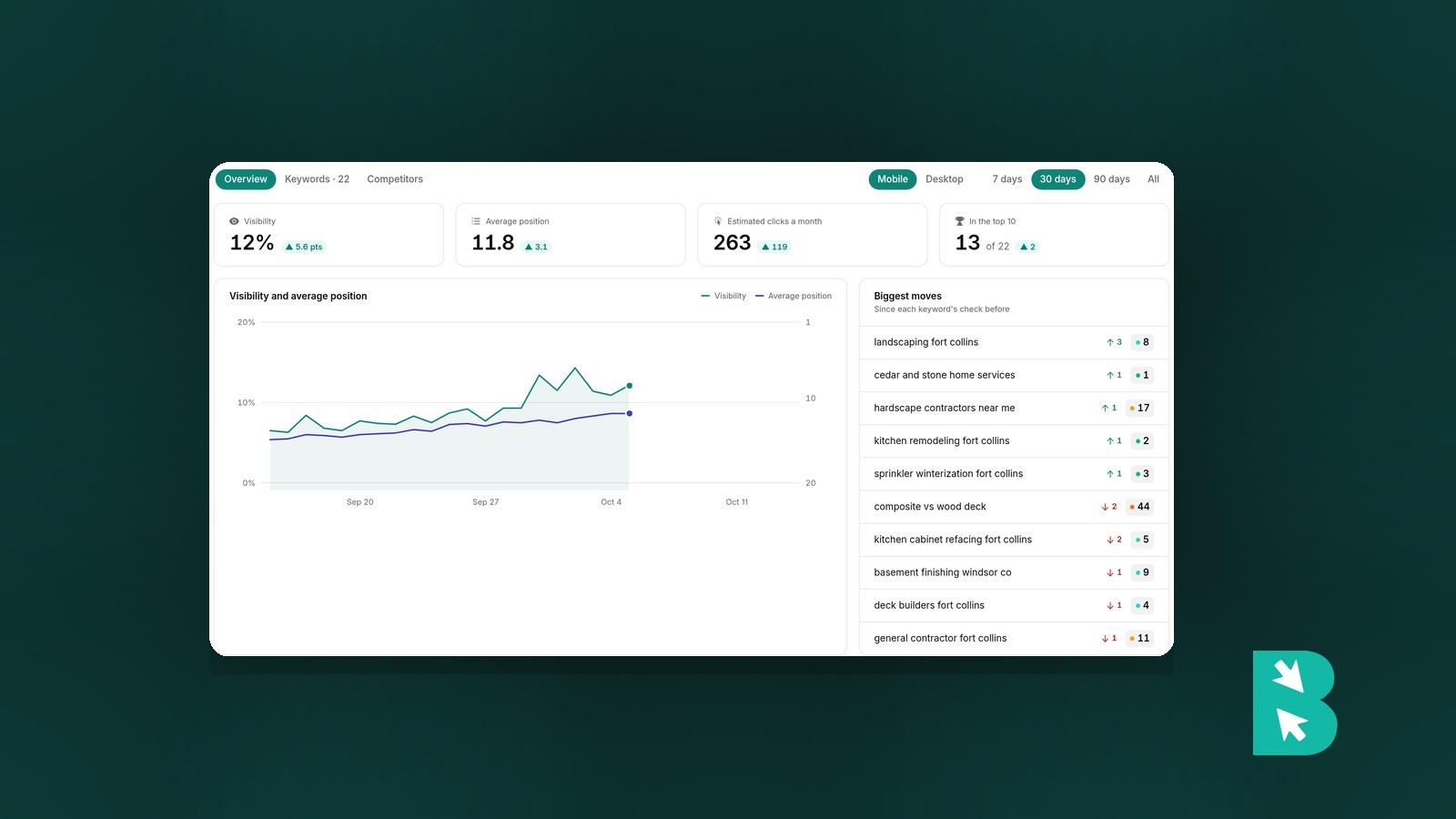
The Overview shows visibility, average position, estimated clicks a month, and how many keywords are in the top 10, with a chart over time and your biggest moves.
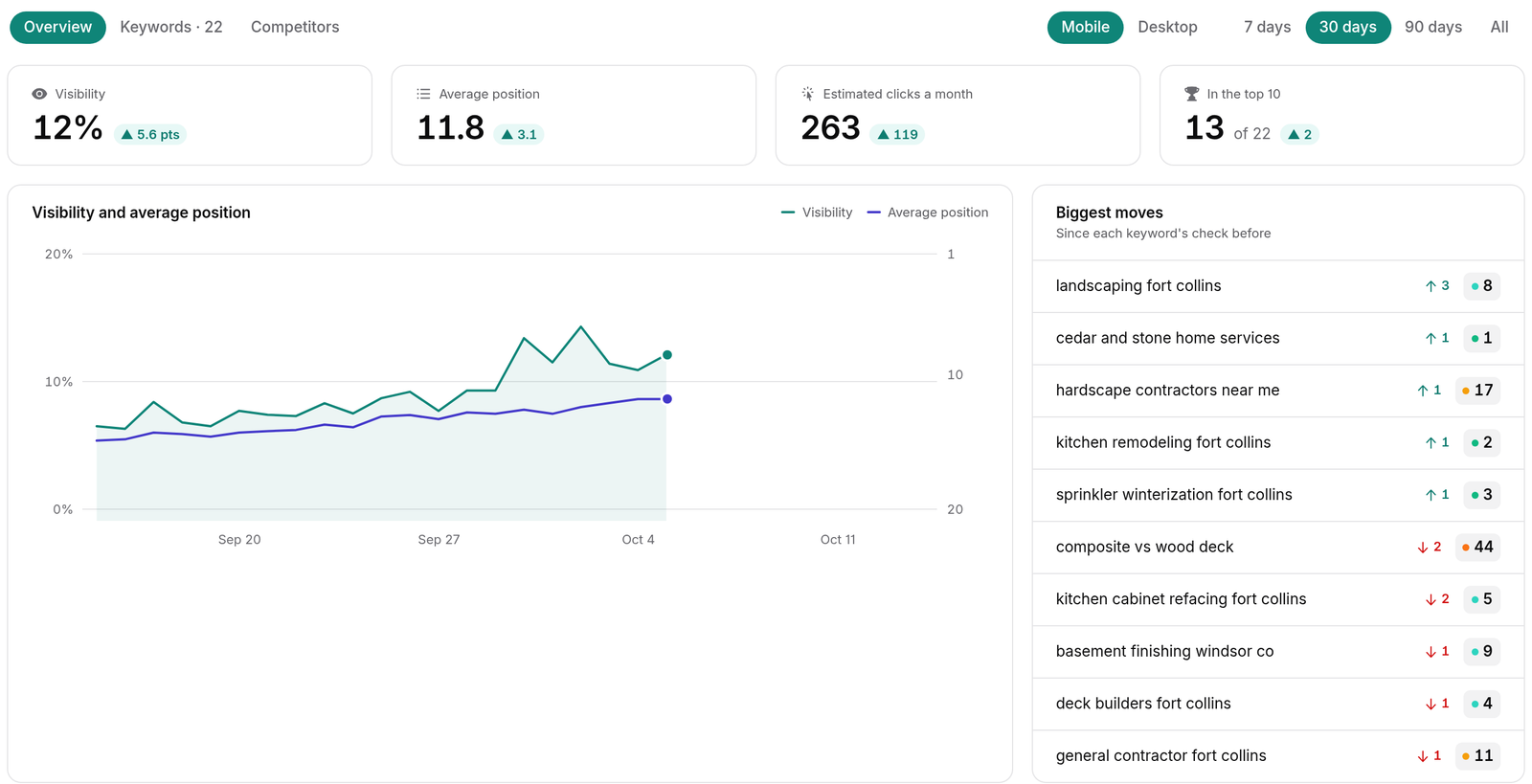
Open any keyword to see its full position history, including the days the ranking page changed. You'll also see Google's current top 10 for that search and which of 20 search features appear on it, such as AI Overviews, the local pack, featured snippets, and People also ask, along with whether your site shows up in each. Monthly search volume, difficulty, cost per click, and intent are refreshed every 30 days.
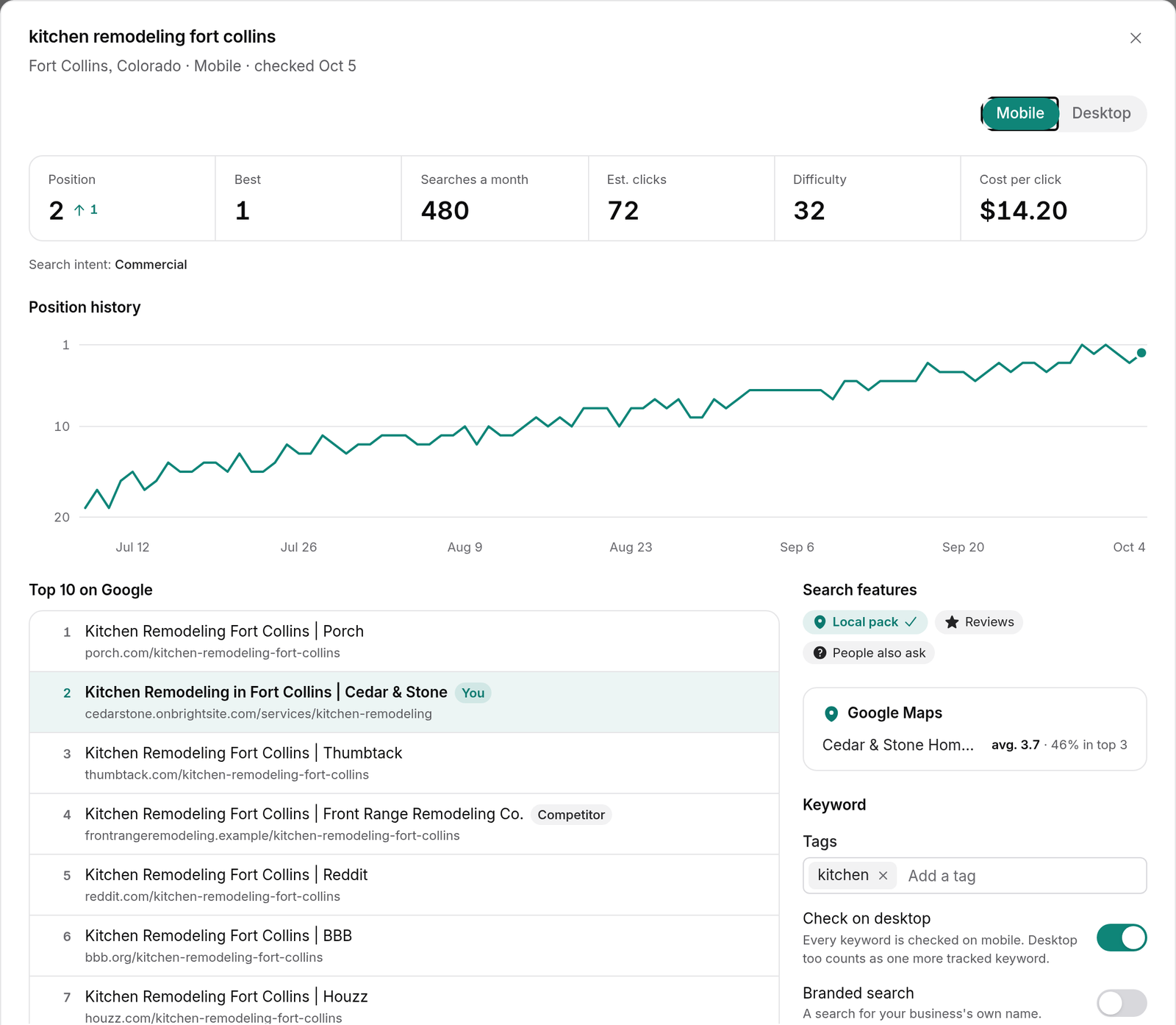
Two views are worth knowing about early:
- More than one page ranking. A filter shows keywords where two or more of your pages rank. That usually means they're competing with each other, and merging or retargeting one of them tends to help both.
- Competitors. Share of voice over time, plus each competitor's position wherever they reach the top 10.
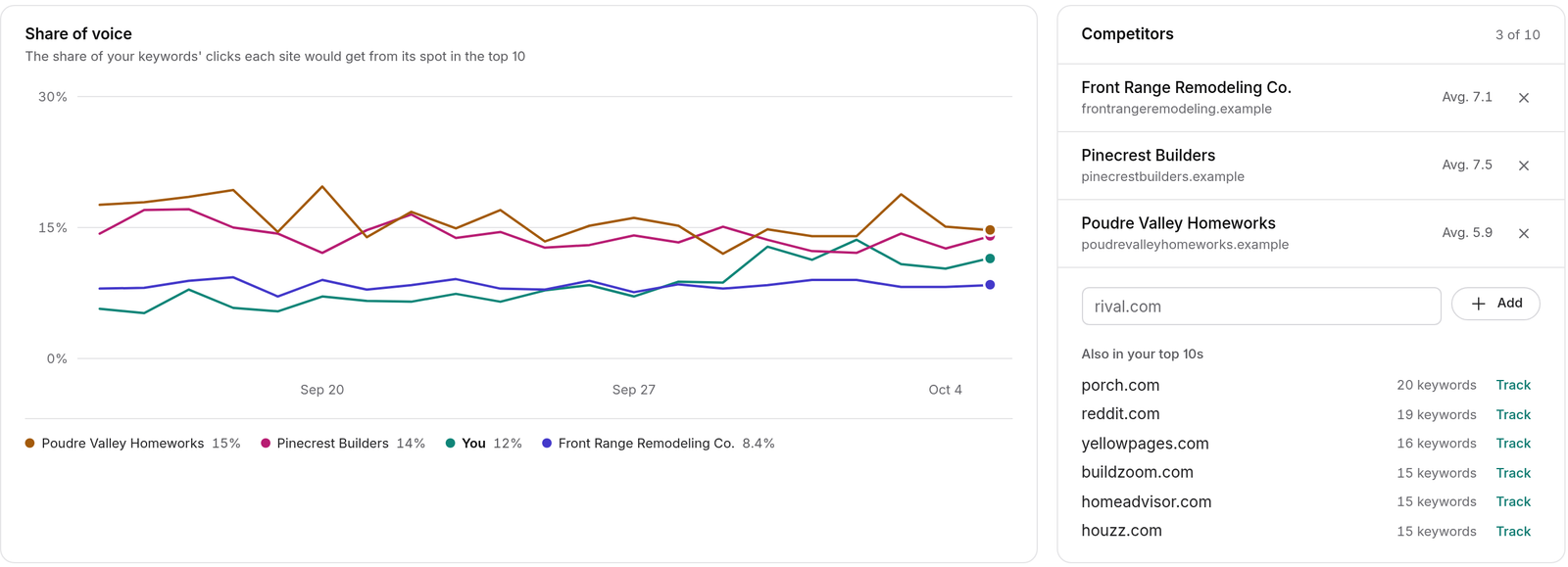
If you also track the same search with local rankings, the keyword shows its Google Maps rank alongside its regular one.
Ask an agent instead
Lumi, Claude, and ChatGPT can all read and manage the rank tracker. Ask for a summary of the week, a list of keywords that dropped, or to add a batch of new keywords from a page you just published. They ask before changing anything.
What it doesn't do
The rank tracker checks Google only. Each project searches from one location, so if you serve two cities, set up a project for each. And it tells you where you rank, not why. Use it to spot what moved, then look at the page itself.
Limits by plan
| Launch | Grow | Scale | |
|---|---|---|---|
| Tracked keywords | 25 | 100 | 250 |
A keyword checked on both mobile and desktop counts twice. Need more? The rank tracker keywords add-on adds 100 for $9 a month or $90 a year. Free trials use Launch limits. Details are in SEO tracking limits and add-ons.
Setup steps and every setting are in the rank tracker docs.
Rank tracking is included on every BrightSite plan, from $29 a month, alongside local rankings and AI visibility. Already on BrightSite? Open SEO → Rank tracker and start your first project. Everyone else can see how it works or start a free trial.