The worst website migration I've watched went live on a Friday afternoon. New platform, better design, faster load times, genuinely an improvement in every visible way. Organic traffic fell 60% inside two weeks. The cause was mundane: the old site's URLs ended in a trailing slash and the new one's didn't, and nobody had mapped the redirects. Google spent a month treating a few hundred working pages as gone.
Migrations rarely fail on the technology. They fail on the bookkeeping, and the bookkeeping is entirely doable if you do it in the right order.
Before you move anything
Crawl the existing site and keep the file. Every URL, its title, its meta description, and its status code. This is the single most important artifact in the whole project, because it's the only way to prove later whether a page existed before. Do it before you touch anything.
Export your analytics and Search Console data. Pull at least twelve months. You need a performance baseline to compare against, and you need the top-pages and top-queries reports to know which URLs are actually load-bearing. A page with no traffic and no links can be dropped. A page with 40% of your organic sessions cannot.
Pull your backlink profile. External sites are pointing at specific URLs. Those URLs must resolve after the move, whether or not the page survives in the new structure, because a broken inbound link is authority you paid for and then threw away.
Rank the pages that matter. Merge traffic, conversions, and backlinks into one list and sort it. The top 20% gets individually verified after launch. The rest gets spot-checked. Trying to treat 400 pages as equally critical means treating none of them as critical.
Record the technical baseline. Core Web Vitals, indexed page count, current schema. You want numbers from before, so that a post-launch dip is a measurement rather than an argument.
Building the redirect map
This is the part that decides whether the migration works.
Every old URL needs a row: where it goes, or an explicit decision that it goes nowhere. Map to the closest equivalent page, and when there isn't one, map to the most relevant category or parent. Sending orphaned pages to the homepage is a common shortcut and Google frequently treats those as soft 404s, so the redirect passes nothing.
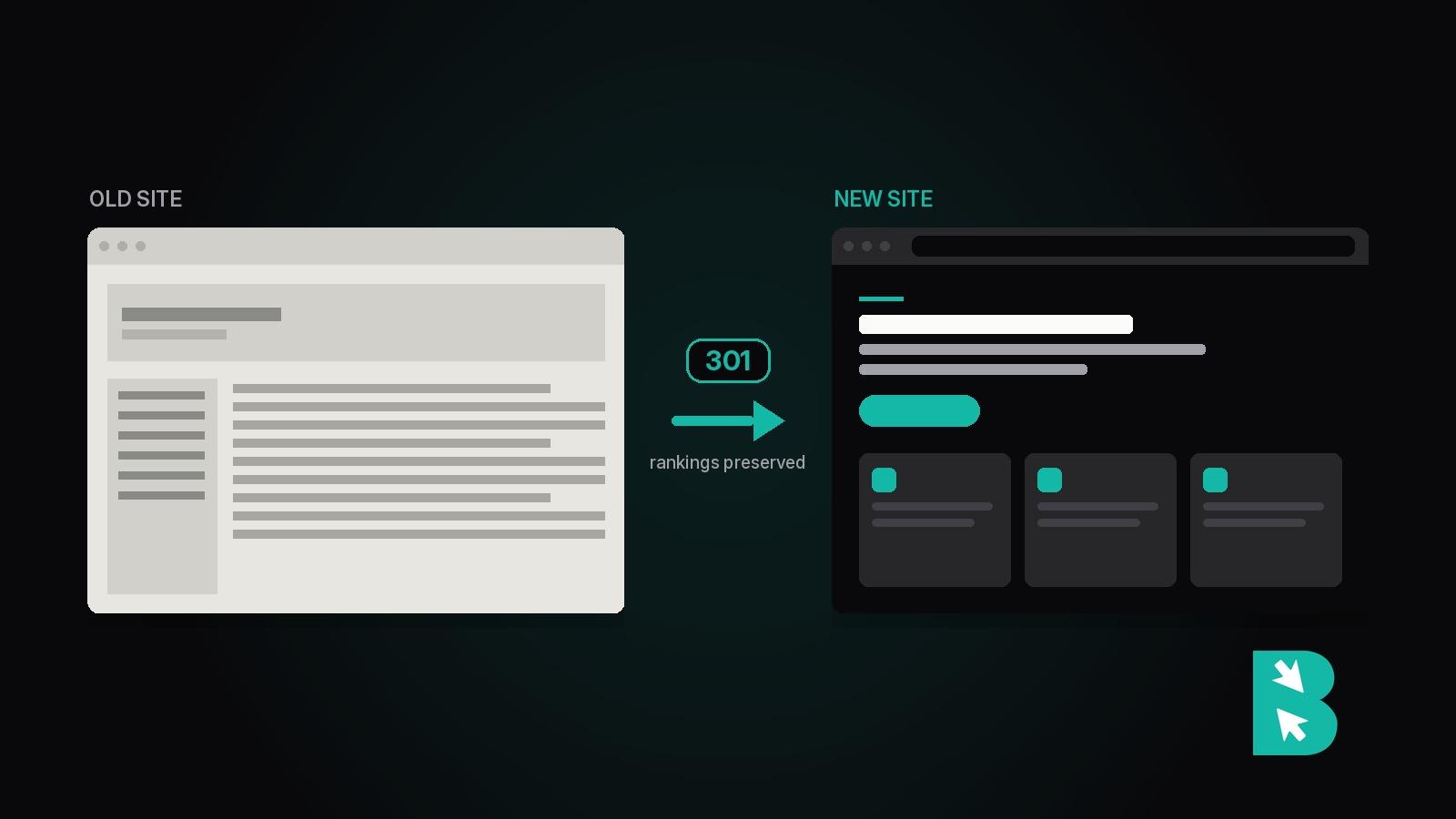
Use 301, not 302. A 301 is permanent and transfers ranking signals; a 302 tells Google to keep indexing the old URL. This is a one-character difference in a config file and one of the most expensive mistakes in the category.
Watch for the details that generate silent mismatches: trailing slashes, uppercase characters, URL parameters, and the http-to-https jump if you're changing that too. Redirect chains are the other trap. If A goes to B goes to C, collapse it so A goes straight to C. Chains leak equity and slow every request.
Then test the map against staging before launch, not after. Every row, automated. The whole point of building the file is that verification becomes mechanical.
Launch day
A short sequence, in order:
- Confirm the new site isn't blocking crawlers. Staging sites are usually set to noindex, and shipping that directive to production is the fastest way to disappear. Check
robots.txtand the meta robots tag before anything else. - Push the redirects live with the site. Not after. The window between launch and redirects is a window of 404s.
- Verify canonical tags. Each page should point at itself on the new domain. Canonicals left pointing at the old site tell Google the new one doesn't count.
- Submit the new XML sitemap in Search Console. Keep the old sitemap accessible for a few weeks so Google can walk the old URLs and discover the redirects.
- Use Change of Address if the domain changed. It's in Search Console and it meaningfully accelerates recognition. Skip it only if the domain is staying the same.
- Confirm analytics is firing. Migrations lose tracking codes constantly, and you won't notice until you need the data.
- Spot-check your top 20 pages by hand. Load each one. Confirm it renders, the content is intact, and the internal links resolve.
The first month
Expect a dip. A 10% to 20% drop in the first few weeks is normal even on a clean migration, because Google is recrawling and reassessing. Recovery usually lands in four to eight weeks. That expectation is worth setting with stakeholders in advance, because the alternative is a panicked meeting in week two about a number that was always going to happen.
What to actually watch:
- Crawl errors in Search Console, weekly. A spike in 404s means the redirect map has holes. Find the pattern, don't fix them one at a time.
- Index coverage. New pages should be getting indexed and old ones dropping out. If old URLs are still indexed after a month, the redirects aren't being seen.
- Rankings on your priority pages. Broad movement is the migration settling. One page falling off a cliff while the rest hold is a page-specific problem, usually a bad redirect or lost content.
- Server logs, if you can get them. They show what Googlebot is actually requesting, which is the most direct signal available for whether the old URLs are being recrawled.
Keep the redirects permanently. There's no expiry date on an old link, and removing them years later still breaks whatever is still pointing at them.
Two things that go wrong repeatedly
Redesigning and re-platforming simultaneously. Tempting, and it makes diagnosis nearly impossible. If traffic drops, you cannot tell whether it was the URL changes, the new templates, the rewritten copy, or the different internal linking. Move first, verify recovery, then redesign. It's slower and it's the difference between debugging one variable and four.
Cutting content during the move. Migration season is when someone suggests dropping the old blog posts nobody reads. Some of those pages hold backlinks, and some rank for terms nobody checked. Prune on purpose, as a separate project, with the traffic and backlink data in front of you.
On the destination platform
Some of this is easier or harder depending on where you're going. The questions worth asking: can you bulk-import redirects, or is it one at a time through a UI? Does it generate a valid XML sitemap automatically? Can you control canonical tags and meta robots per page? Are URLs fully editable, or does the platform impose a structure you can't override?
A platform that forces its own URL patterns turns your redirect map from a straightforward mapping exercise into a compromise. Find that out during evaluation, not during launch week. We went through the same criteria platform by platform in the best CMS for SEO.
BrightSite handles redirects as first-class objects you can create in bulk or via the API, generates sitemaps automatically, and lets you set canonical tags and meta robots per page. It also pings IndexNow on publish, so changes surface in Bing and the AI assistants reading that index in minutes rather than weeks. If you're evaluating destinations, how we compare to WordPress covers the rest.
Whatever you migrate to, the checklist doesn't change much. Crawl first, map every URL, use 301s, test on staging, and watch Search Console for a month. Migrations that follow that sequence are boring, which is the goal.