Most people check their site's speed the same way: paste the homepage into a speed test, see a decent score, and move on. The homepage is usually the fastest page on the site. It's the one that got the most attention when the site was built.
The slow pages are the ones nobody tested. A blog post with a 6 MB photo straight off a phone. A services page with a video embed and a chat widget. A gallery added last spring. Visitors who land on those pages from Google wait, and some of them leave before anything loads.
What makes a website slow
A few causes account for most slow pages:
- Oversized images. A photo uploaded at full camera resolution can weigh more than the rest of the page combined.
- Third-party embeds and scripts. Video players, chat widgets, booking tools, maps, and tracking tags each load their own code, often before your content.
- Web fonts. Several font families and weights add up, and text can stay invisible until they arrive.
- Layout shifts. Images, ads, or banners without a reserved size push the page around as they load, which reads as slow and broken even when it isn't.
- A slow server. If the first byte takes a second to arrive, nothing on the page can fix that.
Speed also changes over time. Every new post, embed, or plugin can make a page slower, so a test you ran at launch says little about the site today.
How to read a speed test
Speed tests built on Google's Lighthouse give each page a score out of 100 for mobile and desktop. Google's bands are 90 and up for good, 50 to 89 for needs improvement, and under 50 for poor. Behind the score are a few measurements worth knowing:
| Metric | What it measures | Good | Poor |
|---|---|---|---|
| Largest Contentful Paint (LCP) | When the main content appears | 2.5 s or less | over 4 s |
| Cumulative Layout Shift (CLS) | How much the page jumps around | 0.1 or less | over 0.25 |
| Total Blocking Time (TBT) | How long scripts lock up the page | 200 ms or less | over 600 ms |
| Interaction to Next Paint (INP) | How fast the page responds to taps and clicks (real visitors) | 200 ms or less | over 500 ms |
Mobile scores are almost always lower than desktop, because the test simulates a mid-range phone on a slower connection. That's the version most of your visitors get, so it's the one to watch.
The score itself comes from a lab test: one load in a simulated browser under fixed conditions. Google also collects real-visitor data from Chrome users (the Chrome UX Report) for sites with enough traffic. When both exist, the real-visitor numbers are the ones Google uses in search.
Page speed, now built into BrightSite
Every BrightSite site now tests its own speed. It's under SEO → Page Speed in your dashboard, and it's the same on every plan.
- Every page, every week. Each published page is tested on mobile and desktop with Lighthouse, up to 500 pages per site, starting with the homepage and then the pages that get the most traffic.
- Retested after you publish. About 10 minutes after you publish or update a page or post, it's tested again, so a heavy image shows up the same day instead of next week.
- Your schedule. Weekly, every other week, or monthly, on the day and hour you choose. You can also pause it.
- On demand. Rerun the whole site or a single page whenever you've made a fix.
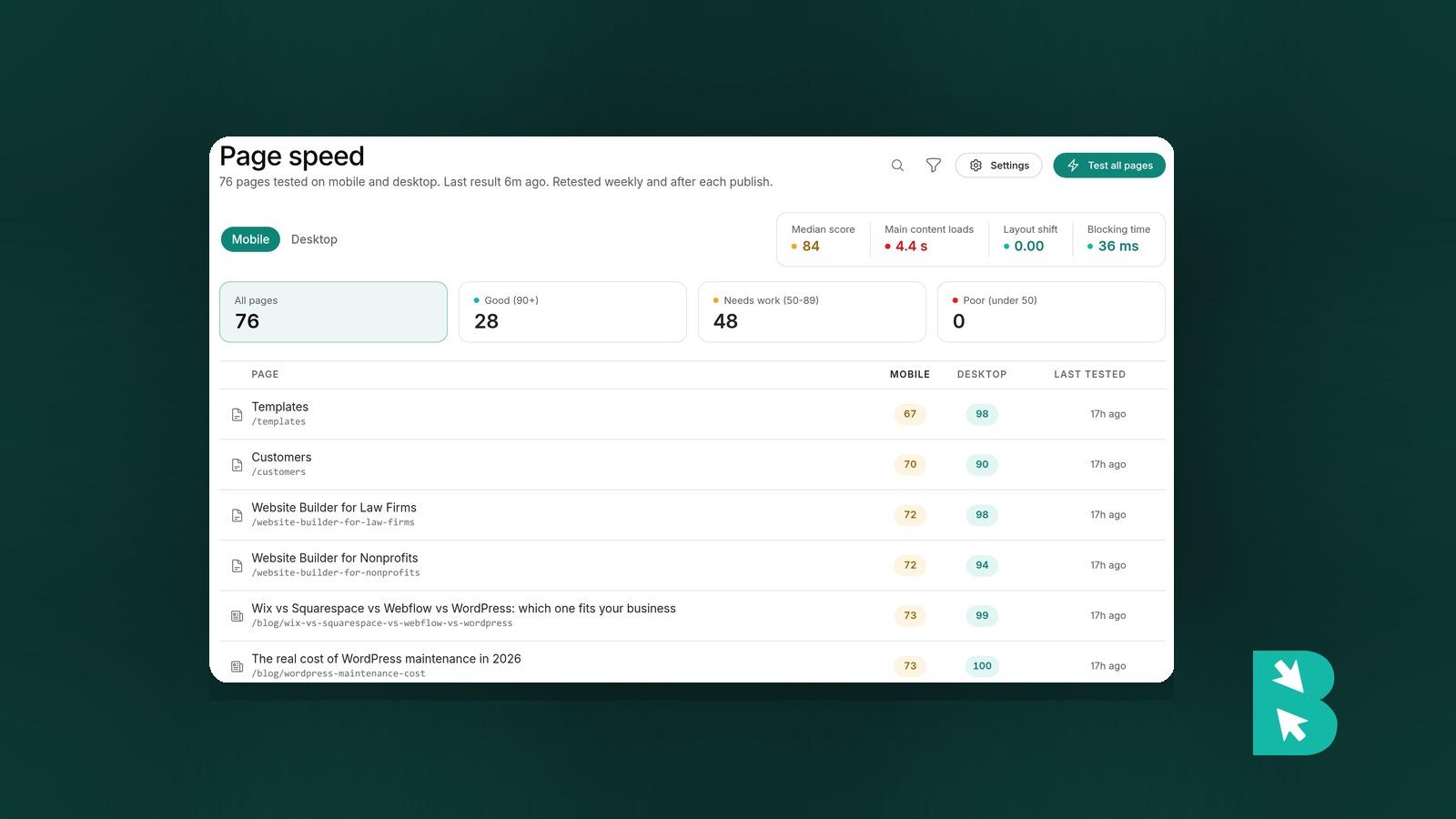
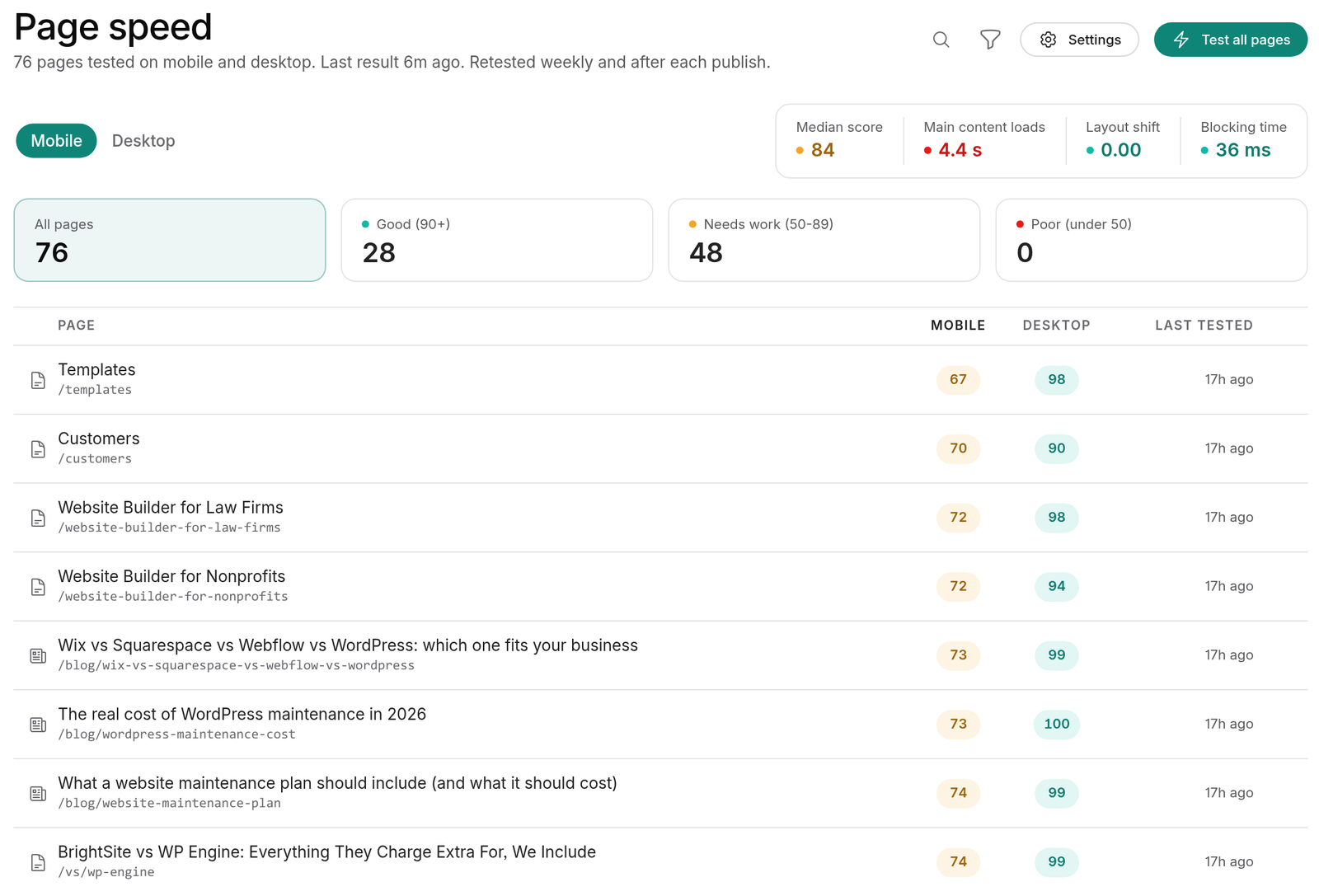
The page list shows each page's mobile and desktop scores with filters for good, needs work, and poor, plus the median across your site, so the slow pages surface on their own instead of waiting for someone to test them.
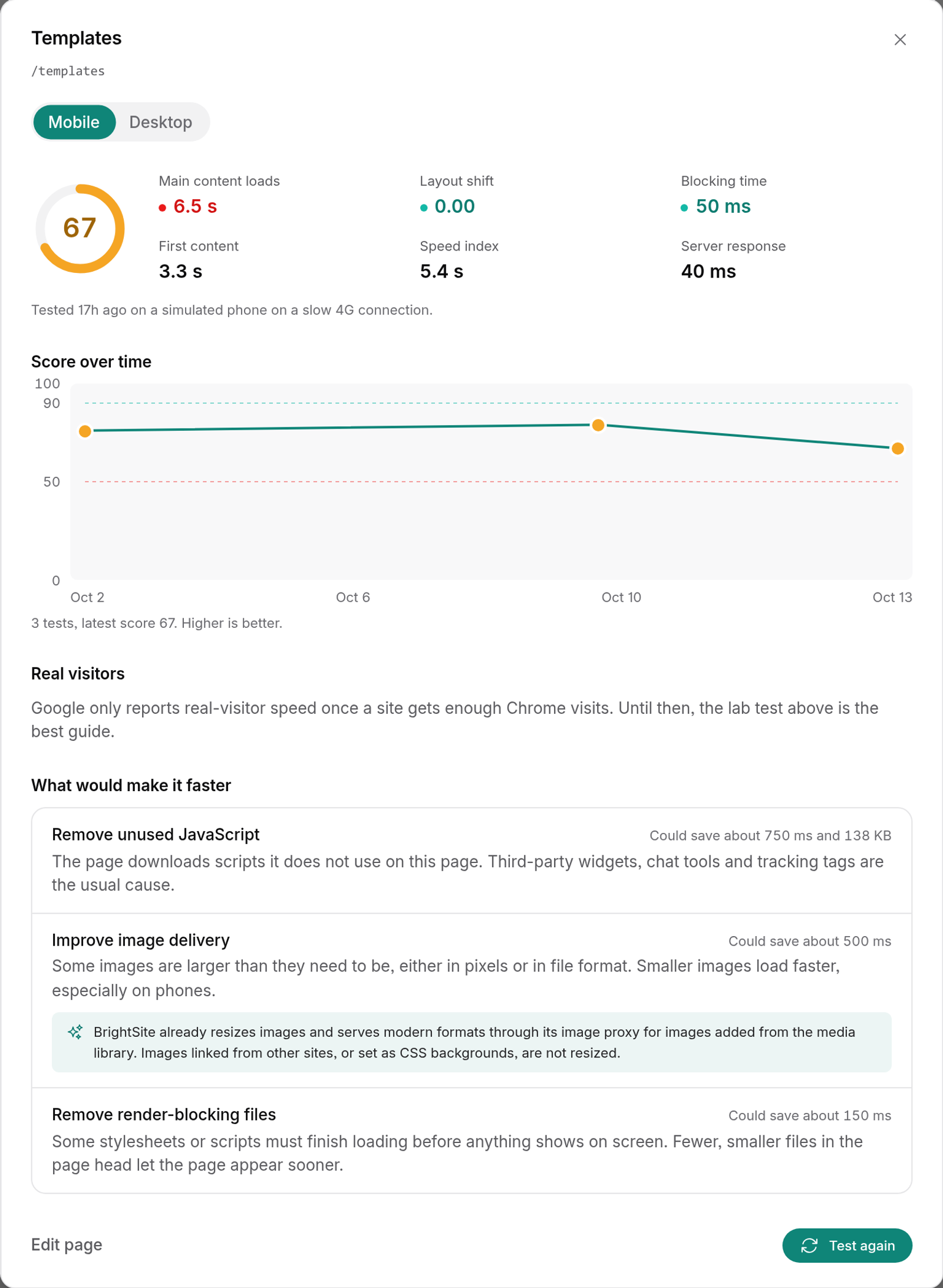
Open a page to see:
- Score over time, so you can tell when a page got slower.
- The measurements behind the score, like when the main content loads, layout shift, and blocking time.
- Real visitors: Google's real-visitor data for the last 28 days, for that page when it has enough traffic, or for your whole site when it doesn't.
- What would make it faster: the specific fixes Lighthouse suggests for that page, with a link straight to the page or post in the editor.
You can also ask Lumi, Claude, or ChatGPT which pages are slowest and what's dragging them down, or have them run a new test after a fix.
How to improve page speed
Start with the pages that score worst on mobile and get the most traffic. For each one, check the usual causes above in order: images first, then embeds and scripts, then fonts. Fix one thing, rerun the page, and compare. Small changes often move the score more than you'd expect.
The platform matters too. BrightSite pages are server-rendered and served from a CDN, which keeps the server side of the equation fast. We wrote about why in why we built BrightSite on Phoenix LiveView. What you add to a page is still up to you, and that's what these tests keep an eye on.
What it doesn't do
Scores come from lab tests, which keeps them comparable week to week. Real-visitor data only appears once Google has enough Chrome traffic for your site, so a new or small site may show lab scores alone for a while. Tests cover published pages only, up to 500 per site.
How tests run and how to read every measurement is covered in the page speed docs.
Page speed testing is included on every BrightSite plan, from $29 a month. Already on BrightSite? Open SEO → Page Speed to see your scores. Everyone else can see how it works or start a free trial.