Custom domains
Connect your own web address to your site: adding a domain, choosing the primary address, www versus bare, and how certificates are handled.
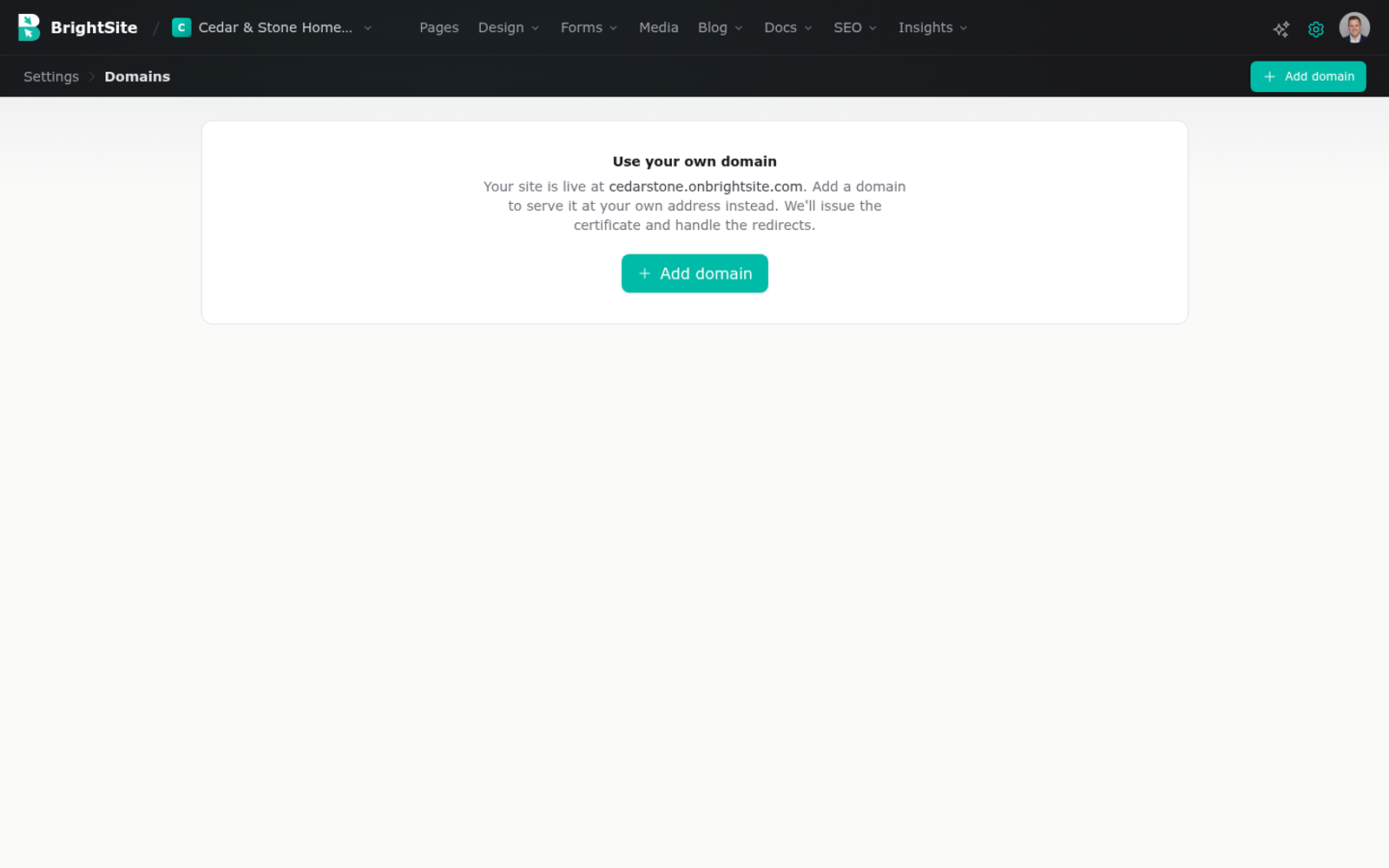
Every site starts on a free address ending in onbrightsite.com. A custom domain is your own web address, like yourbusiness.com, pointing at that same site. You manage this under Settings, then Domains and DNS.
What a domain is, and where yours lives
A domain is the name people type. You buy it from a domain registrar and you rent it, usually a year at a time. Common registrars are companies like GoDaddy, Namecheap and Cloudflare, and plenty of people bought theirs years ago and have forgotten which.
Owning a domain and having a website are separate things. The domain is the name. The website is the thing the name points at. Connecting them is what this page is about.
BrightSite does not sell you the domain. You need to already own one, or buy one before you start.
How connecting works
DNS is the system that turns a name people type into the actual location of a website. Think of it as a phone book: someone looks up your domain, and DNS tells them where to go.
Connecting your domain means editing your domain's DNS entries so they point at BrightSite instead of wherever they point now. You make those edits at your registrar, in whatever they call their DNS or domain settings area.
Add your domain in BrightSite first. BrightSite then tells you exactly what to enter at your registrar. Follow those instructions rather than anything you read elsewhere, because the values are specific to your setup.
After you save the changes at your registrar, there is a wait. DNS changes spread across the internet gradually, and this can take anything from a few minutes to a day or so. If your domain is not working right after you save, that is normal. Give it time before assuming something is wrong.
The primary address
Your site can be reachable at more than one address, but one of them is the primary. That is the official address. It is the one shown in search results, the one links point at, and the one you put on a business card.
Other addresses that reach your site send visitors to the primary one. This matters because a site reachable at several addresses with no single official one confuses search engines, which cannot tell which version is the real page.
Set your primary once and keep it. Changing it later means search engines have to relearn your site.
www or not
You have two options: yourbusiness.com, the bare domain, or www.yourbusiness.com. Neither is better technically. Both look completely normal to visitors.
What matters is that you pick one as your primary and both reach your site, with the other sending visitors to your choice. Then be consistent everywhere: your business cards, your directory listings, your email signature.
If your business has been running for a while with one form already on printed material, keep that one. Otherwise pick whichever you prefer and move on. It is not a decision worth agonizing over.
Certificates
Your site is served over HTTPS, which is the padlock in the browser bar. It means the connection between your visitor and your site is encrypted, and browsers warn people away from sites without it.
Certificates are handled automatically, including on custom domains, and renewed automatically. You do not buy one, install one, or diary a renewal.
A newly connected domain may briefly show a security warning before its certificate is in place. That resolves on its own. If it is still there long after your domain otherwise works, get in touch.
Removing a domain
Remove a domain and your site stops responding on it. Anyone typing that address will not reach you.
Only remove a domain you have genuinely finished with. If you are moving to a new domain, keep the old one connected and pointing at your site for a good while afterwards, so people with the old address and old search results still find you. Removing an old domain the day you switch loses you traffic.
Removing a domain here does not cancel it at your registrar. You still own it, and you still pay for it, until you let it lapse there.
Last updated September 8, 2026