BrightSite is a hosting platform for building and running a website: pages, a blog, forms, media, analytics and domains, all in one place. These guides assume no prior web experience.
Read these in order
If you are brand new, start at the top. The first few pages take about twenty minutes end to end.
- What is BrightSite: what you can build, what is included, and who the product is for.
- Setting up your site for the first time: the short setup that runs on your first sign-in, and where those settings live afterward.
- Your first 15 minutes: sign in, find your way around, change something on a page, and publish it.
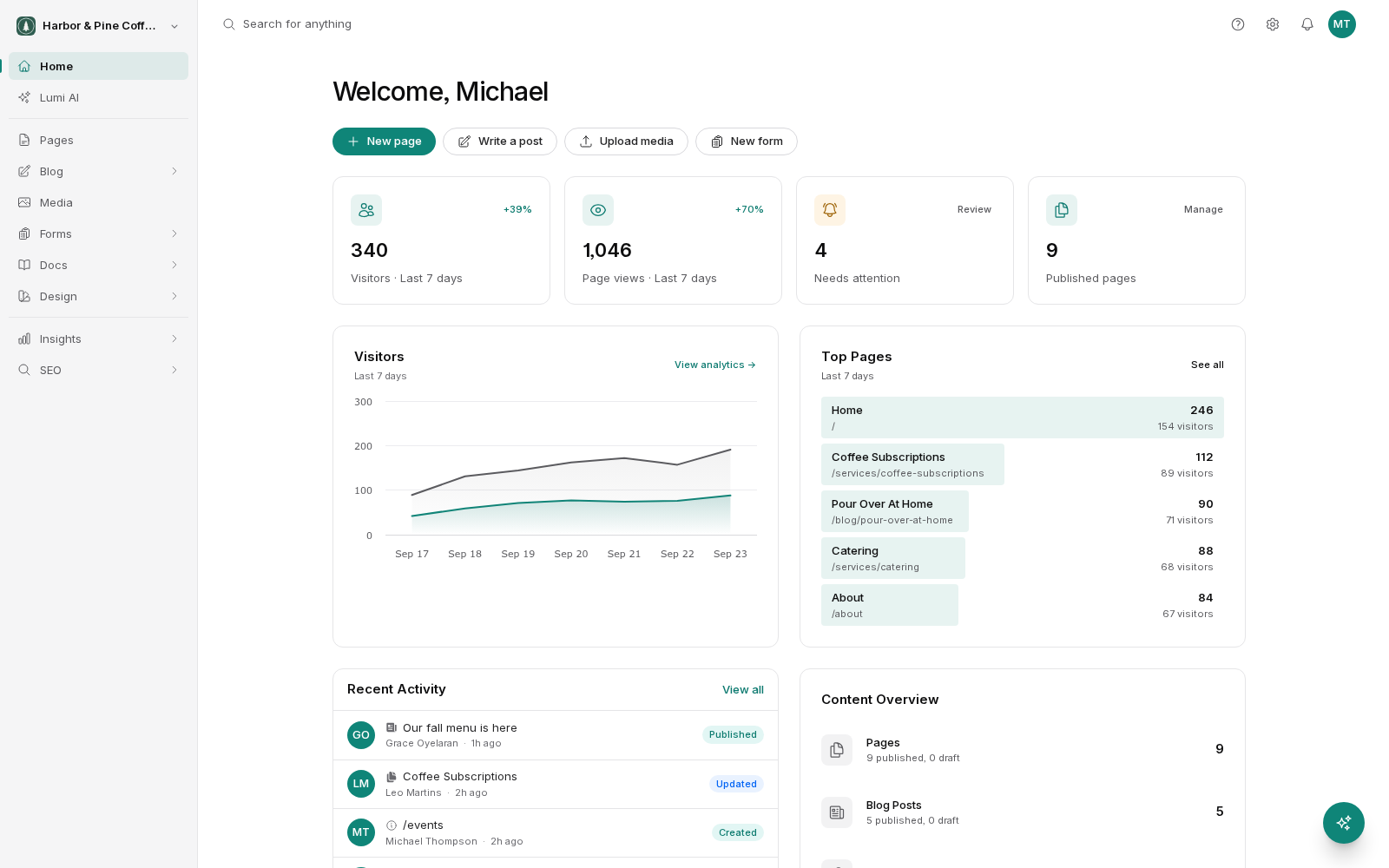
- Touring the app: every menu in the admin explained, so you know where things live.
- Finding your way around quickly: the Ctrl+K search box that jumps you straight to any page, post or form.
- Accounts, sites and organizations: how your login, your organization and your site relate, and how one account holds several sites.
- Getting help: where to look when you are stuck and how to reach support.
If you are setting up for a client
Start with Accounts, sites and organizations to understand how BrightSite separates one client's site from another, then go to Team and Permissions to add people and decide what each of them can do.
The one concept worth learning first
BrightSite keeps two copies of your site: the one you are editing, and the one the public sees. Changes you make are saved as a draft until you publish them. If you understand that, most of the rest of the product makes sense immediately. It is explained in full in Draft, staged and live.