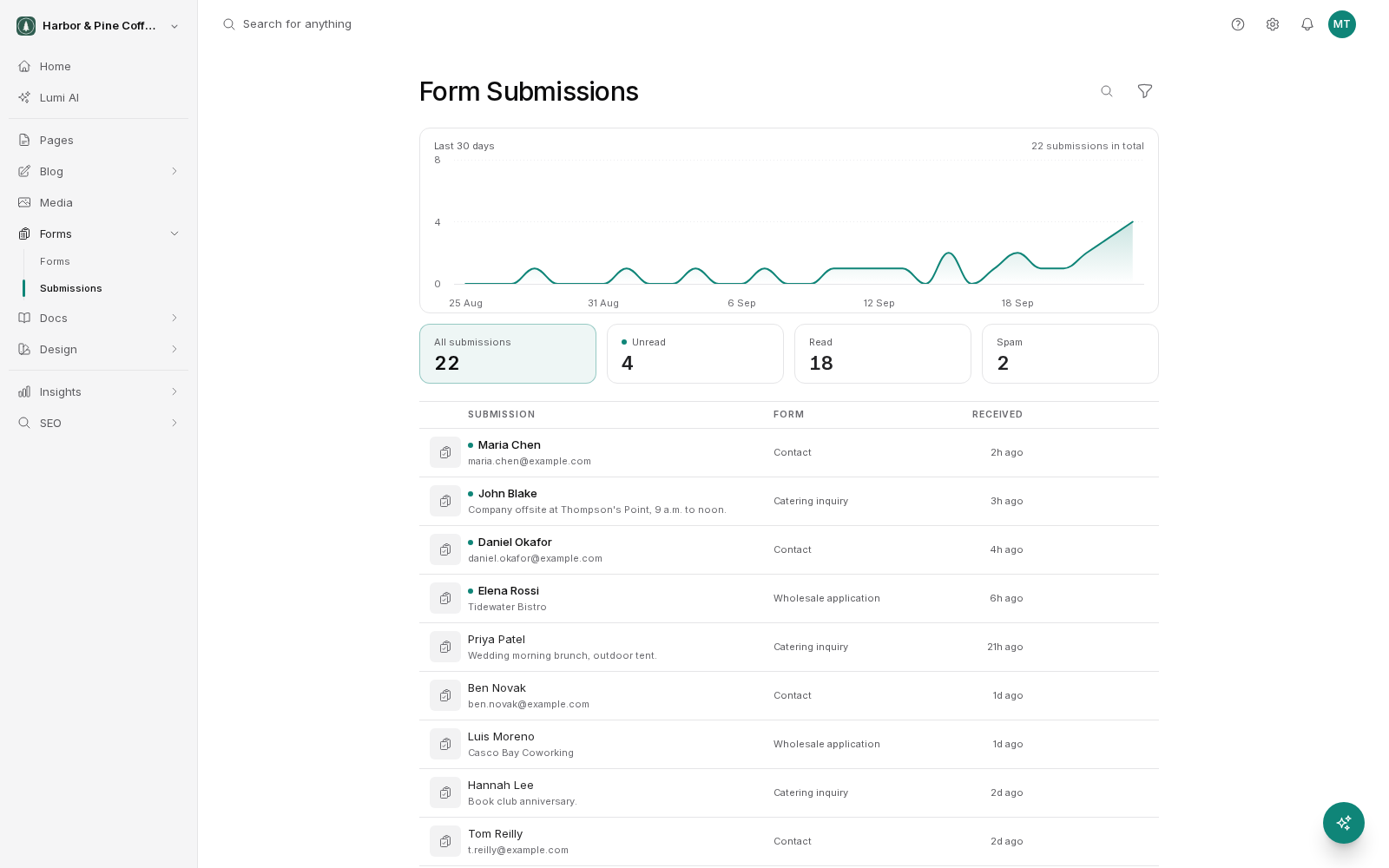
Every time someone submits one of your forms, the entry is stored in your account. You find them under Forms → Submissions in the sidebar.
Reading a submission
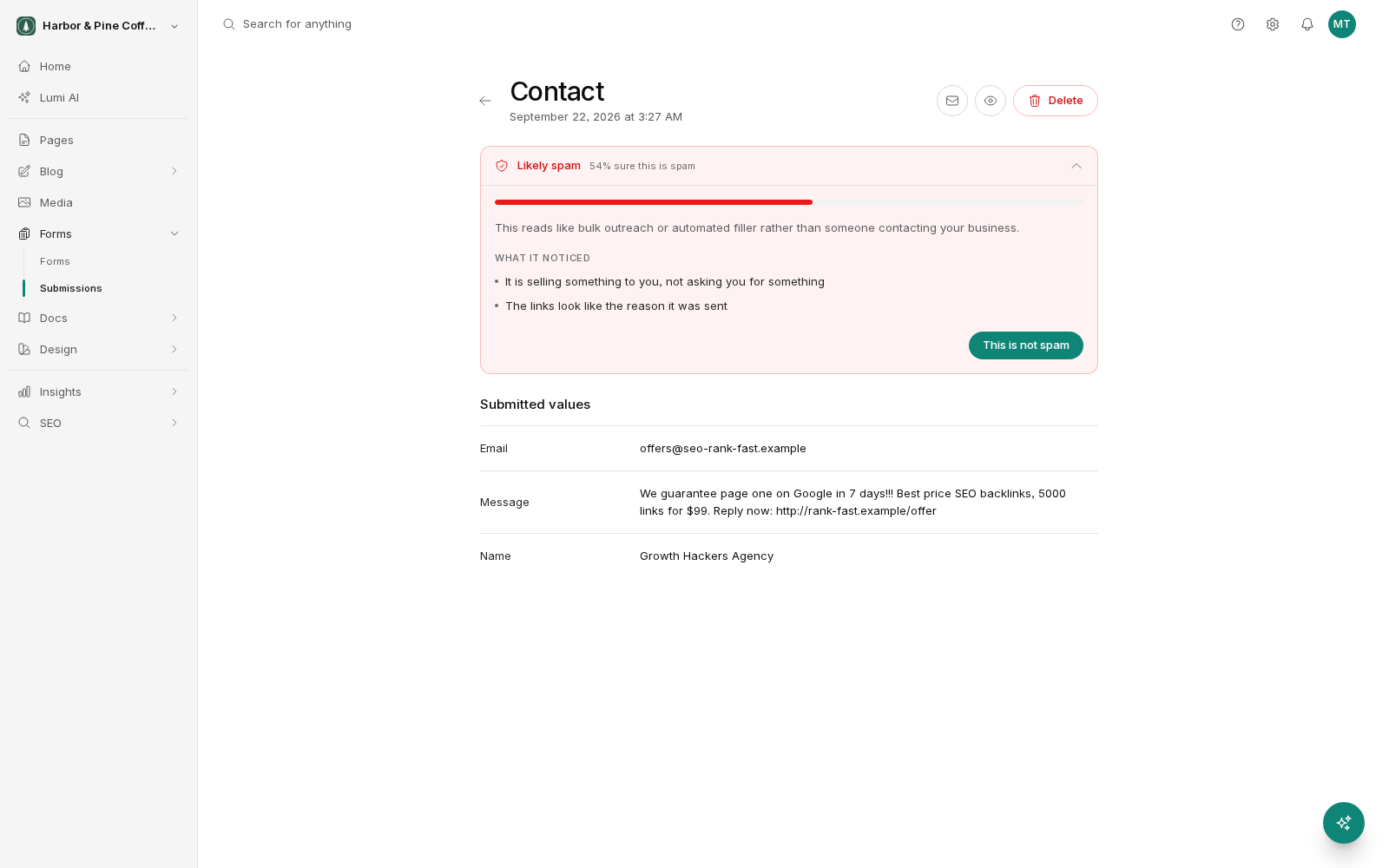
The list shows your submissions newest first, with enough detail to recognize each one. Open a submission to see the full entry: every field the visitor filled in, with the label you gave it and the value they entered, plus when it was submitted and which form it came from.
If the form has a file upload field, any files the visitor attached are shown with the submission and you can download them from there.
New and read status
A submission arrives marked as new. Opening a submission marks it as read. That happens automatically. You do not press anything.
This gives you a simple worked-through-it list. Anything still marked new is something nobody on your team has looked at. If several people share the account, be aware that one person opening a submission marks it read for everyone.
Read status is about whether it has been seen, not whether you have replied. If you need to track replies, work out a habit that suits your team, such as only opening a submission when you are ready to deal with it.
Finding a specific submission
Three tools, and they work together.
- Filter by form. If you have more than one form, narrow the list to just one of them. Useful when your quote requests and your newsletter sign-ups are both landing in the same place.
- Filter by status. Show only new submissions to see what still needs attention.
- Search. Type a name, an email address, a company, or a phrase you remember from the message. It looks through the submitted values.
Search is usually the fastest way back to an inquiry from a few months ago, as long as you remember one distinctive thing the person wrote.
Bulk actions
Select several submissions using the checkboxes and act on all of them at once. This is how you clear a batch of spam, or mark a run of old submissions as read after you have caught up.
Deleting is permanent. If a submission has any chance of mattering later, for example a customer inquiry, keep it rather than tidying it away. Delete confidently only for obvious junk and your own test submissions.
Keeping on top of it
A few habits that help:
- Set up an email notification on the form so you find out about inquiries without checking the inbox. See Notifications and spam.
- Check the new filter once a day if inquiries matter to your business.
- Delete your own test submissions as soon as you have made them.
- If you use the inbox as a to-do list, agree with your team who opens what, so read status stays meaningful.
A note on personal information
Submissions often contain someone's name, email address, phone number, and whatever they chose to tell you. Treat that the way you would treat any customer record. Only give account access to people who need it, and delete submissions you no longer have a reason to keep.