SEO means making it easier for search engines to understand your site, so people looking for what you do can find you. A lot of it is technical, and BrightSite handles that part. The rest comes down to writing.
What BrightSite does for you
You do not have to think about any of the following. It is built in.
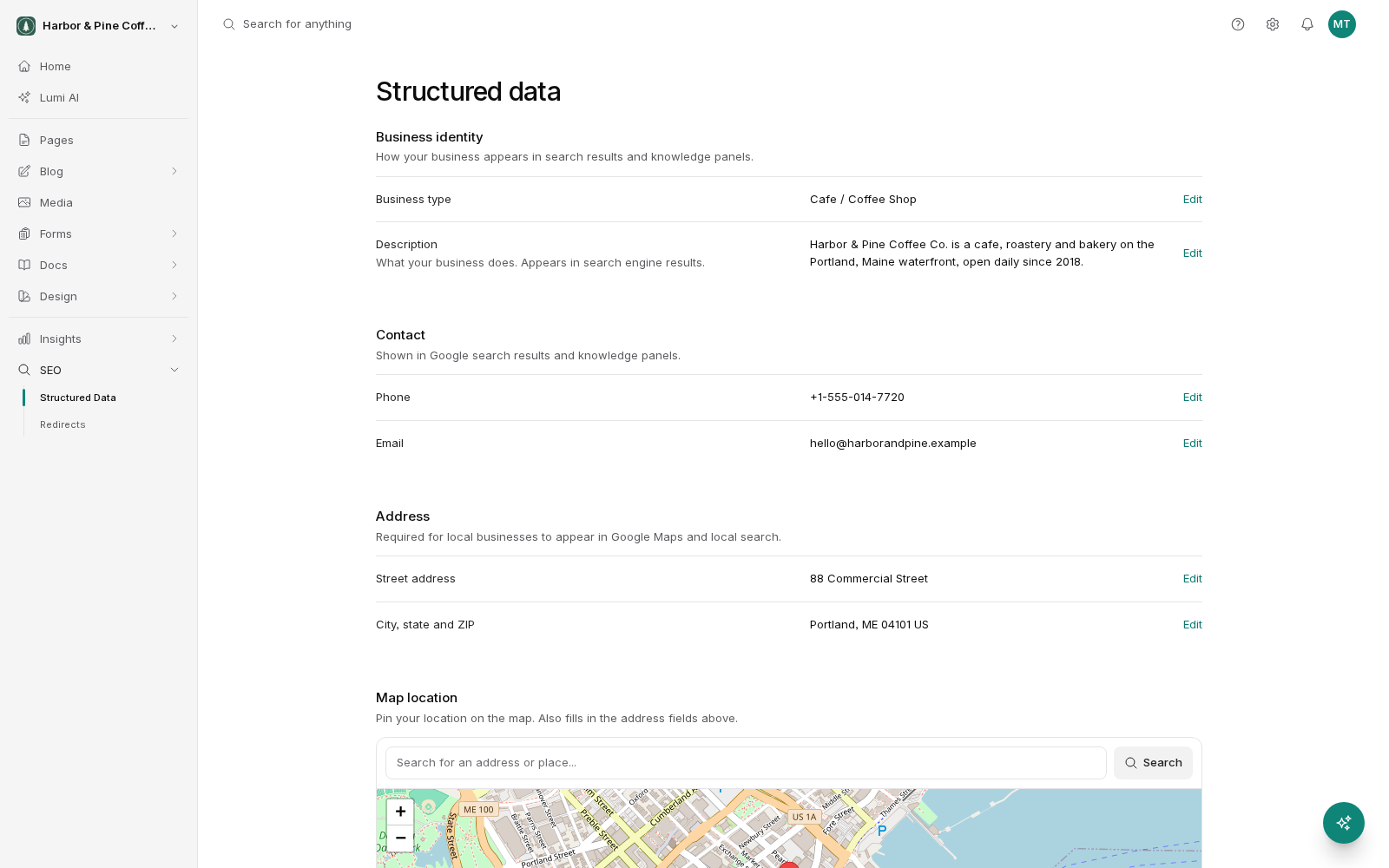
- Structured data. A machine-readable summary of your business is added to your pages so search engines know who you are, where you are, and how to contact you. See Structured data.
- Sitemaps. A list of your published pages is generated and kept up to date, so search engines can find everything without guessing.
- HTTPS. Your site is served securely. Certificates are handled automatically, including on custom domains.
- Fast images. Images are resized and served in modern formats. Page speed is a ranking factor, and slow images are the usual cause of a slow page.
- Clean page structure. Pages are built so search engines can read the headings and content properly.
Page titles
The page title is the line that appears as the clickable headline in search results, and in the browser tab. You set it per page.
What makes a good one:
- Say what the page is, in the words a real person would use. "Emergency plumber in Denver" beats "Services".
- Keep it short enough not to be cut off, roughly 60 characters.
- Put the important words near the start.
- Include your business name where it helps, usually at the end.
- Make each page's title different. Twenty pages all titled with your business name tells a search engine nothing about any of them.
Meta descriptions
The meta description is the short paragraph under the title in search results. It does not directly affect ranking, but it affects whether someone clicks, which is the whole point.
Write one or two sentences that tell a person what they get on the page and why it is worth their time. Around 150 characters is a good target, because longer descriptions get cut off. Write it for a human being, not for a search engine, and do not repeat the same description across every page.
If you leave it blank, a search engine picks a snippet from your page. That is often fine but it is a lottery. Writing it yourself gives you control on the pages that matter most.
What you still have to do
No platform can do this part, because it is about your business rather than your code.
- Write real content. Pages that genuinely answer what someone came to find out. A thin page with three sentences on it will not rank no matter how well built the site is.
- Use the words your customers use. Not your industry's internal jargon. If customers say "furnace repair" and you say "residential heating remediation", write "furnace repair".
- Give each page a job. One page per service or topic, focused on that thing. Do not try to cover everything on the home page.
- Keep it current. Old prices, closed locations and out-of-date opening hours cost you customers directly, whatever they do for ranking.
Set expectations on timing
Search results do not update the moment you publish. Search engines need to find your change, read it, and decide what it means. That takes days to weeks, sometimes longer for a new site. Instant Indexing can speed up the first part by telling search engines something changed, but it does not force a ranking.
Publish good pages, keep them accurate, and give it time.
Track your results
Every plan includes three tools for seeing whether your SEO work is paying off:
- Rank tracker: where your keywords rank on Google, checked daily.
- Local rankings: your Google Maps rank across your area.
- AI visibility: whether AI assistants mention your business.