Everything in BrightSite is reached from the sidebar down the left of the screen. Some entries are single links, others open to show the pages inside them.
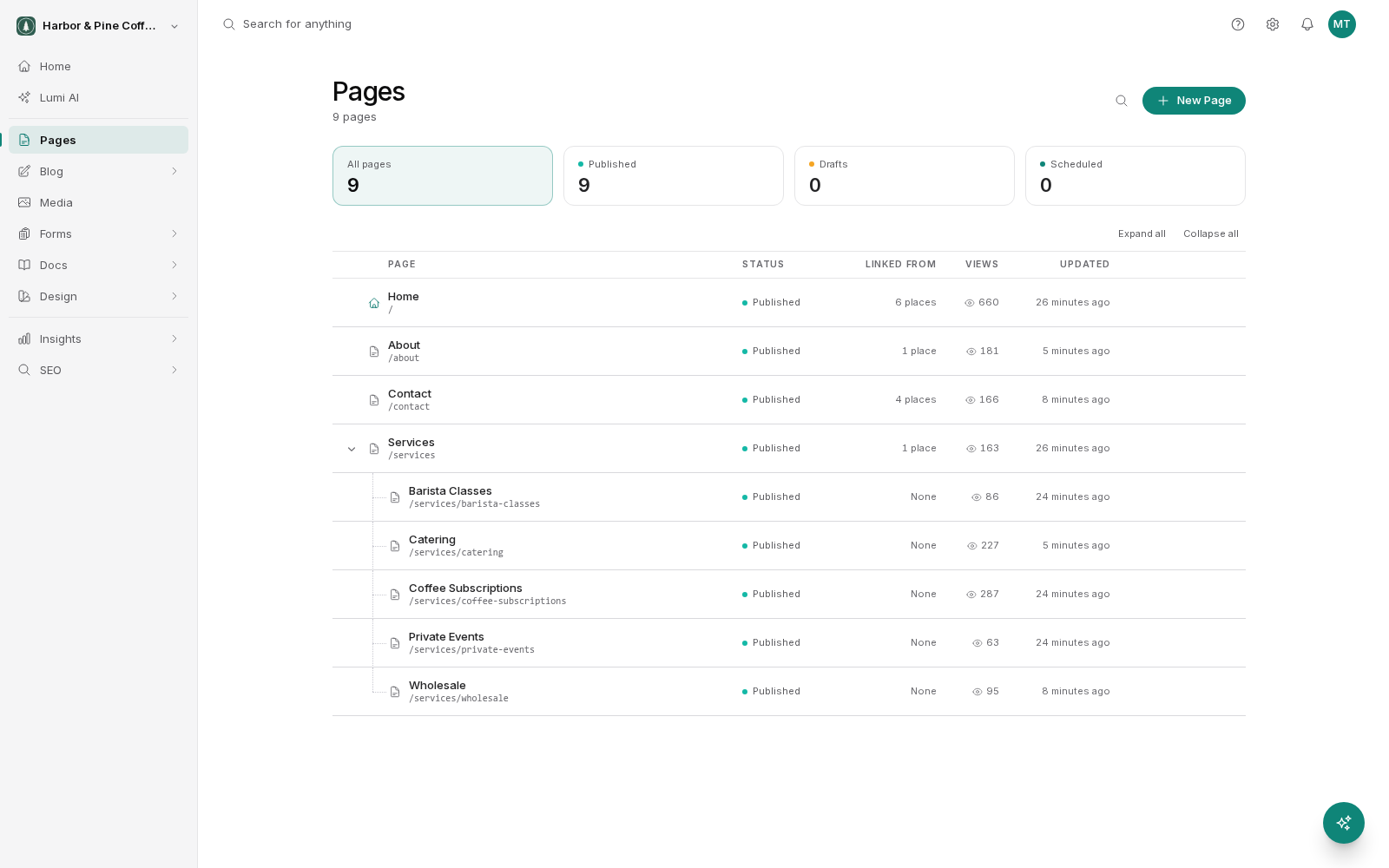
The sidebar
| Entry | What is under it |
|---|---|
| Home | Your dashboard. |
| Lumi AI | Full-page chat with Lumi, the AI assistant. |
| Pages | Every page on your site. Opens the page list directly. |
| Blog | Posts and Design. |
| Media | Your images and files. |
| Forms | Forms (building them) and Submissions (reading what people sent). |
| Live chat | Inbox and Reports for the chat on your website. |
| Docs | Pages and Design for a documentation site. |
| Design | Layouts, Components, Navigation, Footer, Error Pages and Cookie Consent. These are the shared pieces your pages are built from. |
| Insights | Analytics, Spotlight, Heatmaps and Activity. |
| SEO | Structured Data and Redirects. |
The Website and Store switch at the top of the sidebar moves between your site and your store. The store side has its own menu: Home, Lumi AI, Orders, Customers, Reports, Products, Collections, Inventory, Reviews, Discounts, Gift cards, Design, Components, Payments and Policies. Until the store is on, it shows only Turn on store. See Store.
Settings
The cog icon in the top right opens Settings. The sidebar switches to the settings list, grouped as:
- Site: Site identity, Domains & DNS, Integrations, Design, Global code.
- Content: Blog, Docs, Store, Live chat and Analytics settings.
- Organization: Team, Plan & billing, AI usage & access, Staging, Import / export.
- Personal: Profile, Notifications, Security, Appearance.
Click Settings with the back arrow at the top of the sidebar to return to the main menu.
Entries you might not see
Some entries only appear for certain accounts:
- Spotlight and Heatmaps are included on the Grow and Scale plans. On Launch they do not appear under Insights. See Plans and billing.
- Docs only appears when it is turned on for your site.
- Anything you do not have permission for is hidden. A team member with a view-only role sees fewer options than an administrator.
The top strip
A slim bar above your work holds, from left to right: Search for anything, your setup progress while you are still getting started, the question mark icon (opens these docs), the cog icon (Settings), the bell icon (Updates) and your avatar.
In the page editor and the other editors, the top strip is replaced by the editor's own toolbar.
The AI assistant
Lumi is an assistant that can make changes for you, included in every plan. The round sparkle Ask Lumi button in the bottom-right corner of every screen opens it in a side panel beside your work rather than taking over the screen. The Lumi AI item in the sidebar, under Home, opens full-page chat.
Your account
Your avatar at the far right of the top strip opens your account menu: Settings (your profile, notifications, security and appearance), Site identity, Billing & subscription, Invite team members, an Appearance switch (System, Dark or Light) and Log out.
Two things worth knowing
Press Ctrl+K (or Cmd+K on a Mac) anywhere to open a search box. Start typing the name of a page, post, form or component and jump straight to it. It is the fastest way to move around.
Home at the top of the sidebar takes you back to the dashboard from anywhere.
Editors and smaller screens
In the visual editor and the other design editors, the sidebar shrinks to a narrow column of icons to leave room for your work. Hover over it to open it out. On tablet-sized screens it shows icons the same way. On a phone, tap the menu icon at the top left to slide the sidebar in.
Switching between sites
The organization switcher sits at the top of the sidebar and shows the organization you are in. Click it to move to another organization or create a new one. Organizations with a staging site expand to show it, so you can move between your live site and its preview copy. It also has shortcuts to All settings, Team, Domains & DNS and Plan & billing.