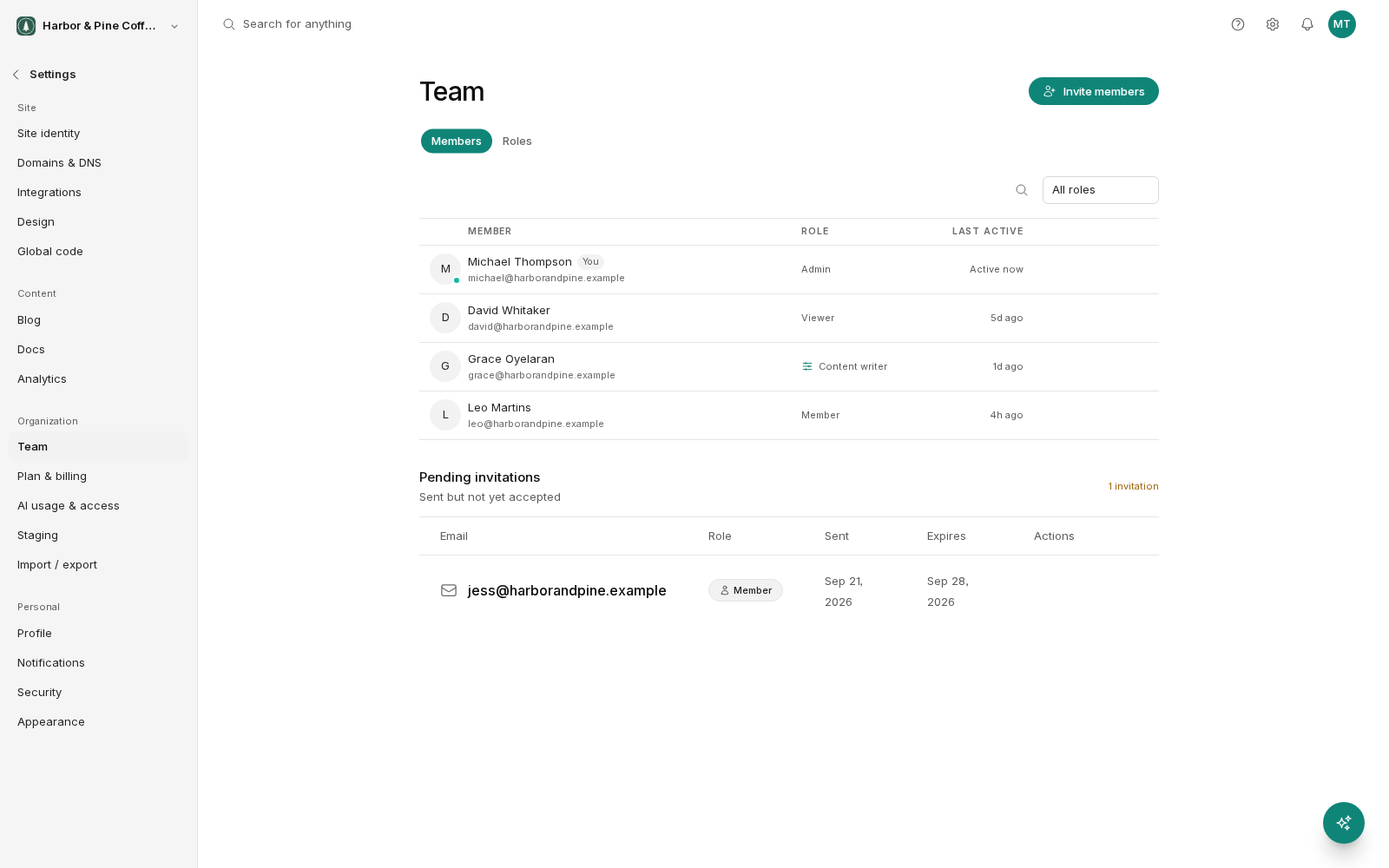
Every person in your organization has one role. The role decides what they can see and change. There are three built-in roles, and they cover most teams without any further setup.
Admin
An admin can do everything: all content, all settings, the team, billing, domains, and integrations. Admins can invite people, change roles, remove members, and change the plan.
Give admin to the people who own the account. For a small business, that is usually the owner and one other person. For an agency, it is the account lead on the client.
Keep the number small, but keep it above one. A single admin is a single point of failure: if they are unreachable, nobody can invite a replacement or fix a billing problem.
Member
A member does the day-to-day work on the site. They can:
- Create and edit pages, blog posts, forms and media.
- Publish that content, putting it live on the site.
- View analytics.
- View the team list.
- Use the AI features.
What a member does not get is the account itself: billing, plan changes, and team management stay with admins.
This is the right role for most people. Give it to anyone you trust to change the live site without a second pair of eyes, such as your marketing person, your content writer or your agency's designer.
The word to weigh is publish. A member can put changes live on their own. If that is not what you want for a particular person, a custom role is the answer.
Viewer
A viewer can look but not change. They can see your content, view analytics, and see the team list. They cannot create, edit, publish, or delete anything.
Use viewer for:
- A client who wants visibility into what their agency is doing.
- A stakeholder who reviews the numbers but does not touch the site.
- Someone new, while they find their way around.
- A contractor whose work is finished but who may come back.
Choosing a role
A rough guide:
- Do they need to change billing or manage people? Admin.
- Do they need to change the site? Member.
- Do they only need to see it? Viewer.
Start people at the lowest role that lets them work. Raising a role takes seconds. Undoing something that should not have been changed takes longer.
When none of the three fit
The built-in roles are deliberately broad. The gap people hit most often is wanting someone who can write but not publish, such as a junior writer or an agency working under client approval. Member gives them publish; viewer gives them nothing.
That is what custom roles are for. You build a role from individual permissions and give exactly the access you intend. See the Custom roles page.
Roles apply per organization
A person's role belongs to the organization they are in. Someone with admin in one organization has whatever role you gave them in yours, and nothing more. Roles do not carry across.
Reviewing access
Access tends to accumulate. Someone gets admin for a one-off task and keeps it for two years. Set a reminder to read through your team list every few months and ask, for each person, whether they still need the role they have.