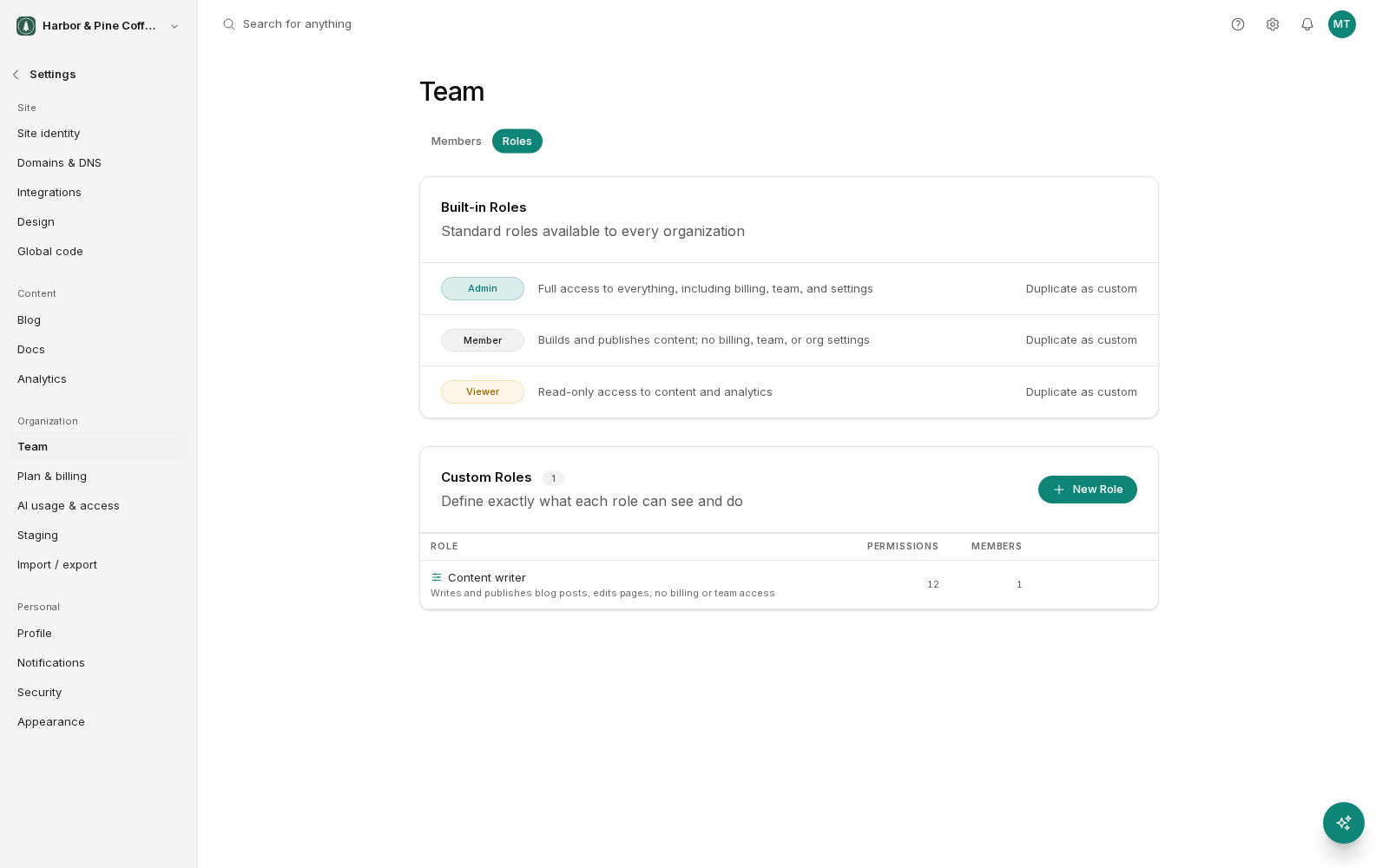
When the three built-in roles do not match how your team works, build your own. A custom role is a set of permissions you choose yourself, and you assign it to people the same way you assign a built-in role.
When you need one
The most common reason is approval. You want someone who can write and edit but not publish, such as a junior writer, a freelancer, or an agency working to client sign-off. Member includes publish, viewer includes nothing, so neither works.
Other cases that come up:
- A blog writer who should only touch blog posts, not pages.
- A designer who edits pages and media but should not see form submissions.
- An analyst who sees analytics and nothing else.
- Someone who handles form responses without editing the site.
If a built-in role fits, use it. Custom roles are worth the setup only when the difference actually matters.
How permissions work
Permissions are pairs: a verb and a resource.
The verbs describe what someone can do, such as view, edit, publish and delete. The resources are the things they act on, such as pages, blog, forms, media and other areas of your site.
You build a role by ticking the pairs you want in a grid. "Edit blog" lets someone change posts. "Publish blog" lets them put those posts live. Grant the first without the second and you have your writer-who-cannot-publish.
The verbs stack in a natural order. Edit is not much use without view, and publish assumes the person can edit what they are publishing. Work down the grid resource by resource and ask what the person actually does on each one.
Building a role
- Write down, in plain words, what the person should be able to do.
- Create a role and give it a name that describes the job ("Blog writer", "Client reviewer"), not the permissions.
- Work through the grid, granting only what your description called for.
- Assign it to one person and have them check they can do their work.
- Adjust and roll it out to the rest.
Changing a role changes access for everyone who has it, immediately. If four people share a role and you remove a permission, all four lose it at once.
Example: blog writer
Someone who drafts posts for approval needs view and edit on blog, and view on media so they can pick images. They do not get publish on anything. They write, and an admin or member reviews and publishes.
Example: client reviewer
A client who wants to see progress and check the numbers needs view on content and view on analytics, and nothing else. That is close to the built-in viewer role. Check whether viewer already covers it before building anything.
How many you can have
Custom roles are included on the Grow and Scale plans, with no limit on how many you create. On Launch, use the built-in Admin, Member, and Viewer roles.
In practice most teams need two or three. If you have more than that, look for roles that differ by one permission and merge them.
One caveat about preview links
Preview links are not permission-gated. Anyone holding a preview link can open the page it points at, whether or not their role gives them view access to that content.
So if you use a custom role to hide a section from someone, and they already have (or are given) a preview link into it, they can still see it. Custom roles control what people can do inside BrightSite. They do not control who can open a link that was shared with them.
The practical response: be deliberate about who you send preview links to, and do not rely on role permissions alone to keep unreleased content away from a specific person.
Deleting a role
Before deleting a custom role, move anyone assigned to it onto another role. Deleting a role that people still hold leaves them without the access they were working with.