Knowing where the numbers live is the easy part. This page is about reading them.
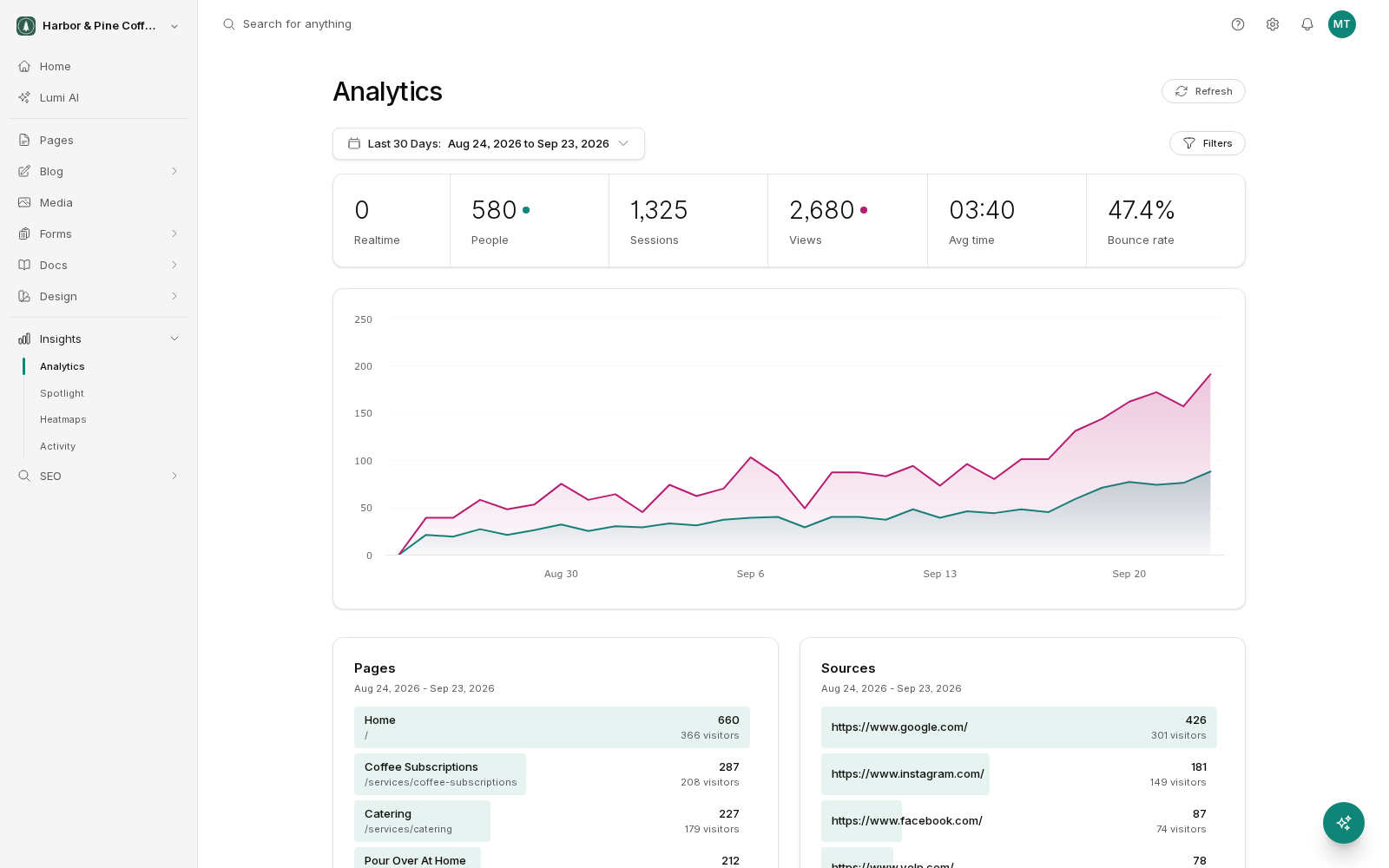
The breakdown panels
Below the chart, the dashboard splits your traffic several ways. Each panel lists rows with a count beside them, and clicking any row filters the entire dashboard by that value.
- Pages: which pages were viewed, most viewed first.
- Sources: where visits came from.
- Campaigns: visits tagged with campaign parameters in the link, which is how email and ad platforms mark their traffic.
- Device Types: desktop, mobile, tablet.
- Browsers: Chrome, Safari, and the rest.
- Countries: where people are.
Combining panels is where the value is. Click a page in Pages, and every other panel now describes only the people who saw that page.
Referrers and direct traffic
A referrer is the site someone was on before they clicked through to yours. If a visitor was reading a directory listing and clicked your link, that directory is the referrer.
Direct means no referrer was reported. That does not mean the person typed your address from memory. Direct traffic commonly includes clicks from email apps, from messaging apps, from PDFs and documents, and from links people have bookmarked. A rise in direct traffic after you send a newsletter is usually the newsletter.
If you want to know which specific campaign brought someone in, tag the link with campaign parameters before you share it. Those visits then show up under Campaigns instead of disappearing into direct.
Why bounce rate on its own misleads
A bounce is a session with a single page view. That sounds bad, and often it is not.
Someone who searches for your opening hours, lands on your contact page, reads the hours, and leaves has bounced. They also got exactly what they wanted. A high bounce rate on a contact page or a single-answer article is normal.
A high bounce rate matters when the page's job is to move people onward, as it is on a home page, a service page or a landing page for an ad. There, a bounce means the page did not give anyone a reason to continue.
Read bounce rate next to average time. High bounce with a long average time suggests people read and left satisfied. High bounce with a very short time suggests they arrived and did not find what they expected.
Which pages bring people in
Sort the Pages panel by views to see what people actually read. Two questions are worth asking every month.
- Which pages are doing the recruiting? Filter by a source such as search, then look at the pages panel. Those pages are your front door. They deserve the most attention, the clearest calls to action, and links onward to the pages you want people to see next.
- Which pages lose people? Look for pages with a lot of views and a high bounce rate where you expected people to continue. Those are the pages to rewrite or add a clear next step to.
Judging a change
When you change a page, note the date. Compare the same length of time before and after, ideally a few weeks each, and compare like-for-like periods, because a week including a public holiday is not a fair comparison. Traffic moves for reasons that have nothing to do with you, so look for a change large enough to be obvious rather than a few percent either way.