The blog is the part of your site built for content you add regularly: articles, news, guides, case studies. Instead of building a new page by hand every time, you write a post and the blog handles the rest: listing it, styling it, linking to related posts.
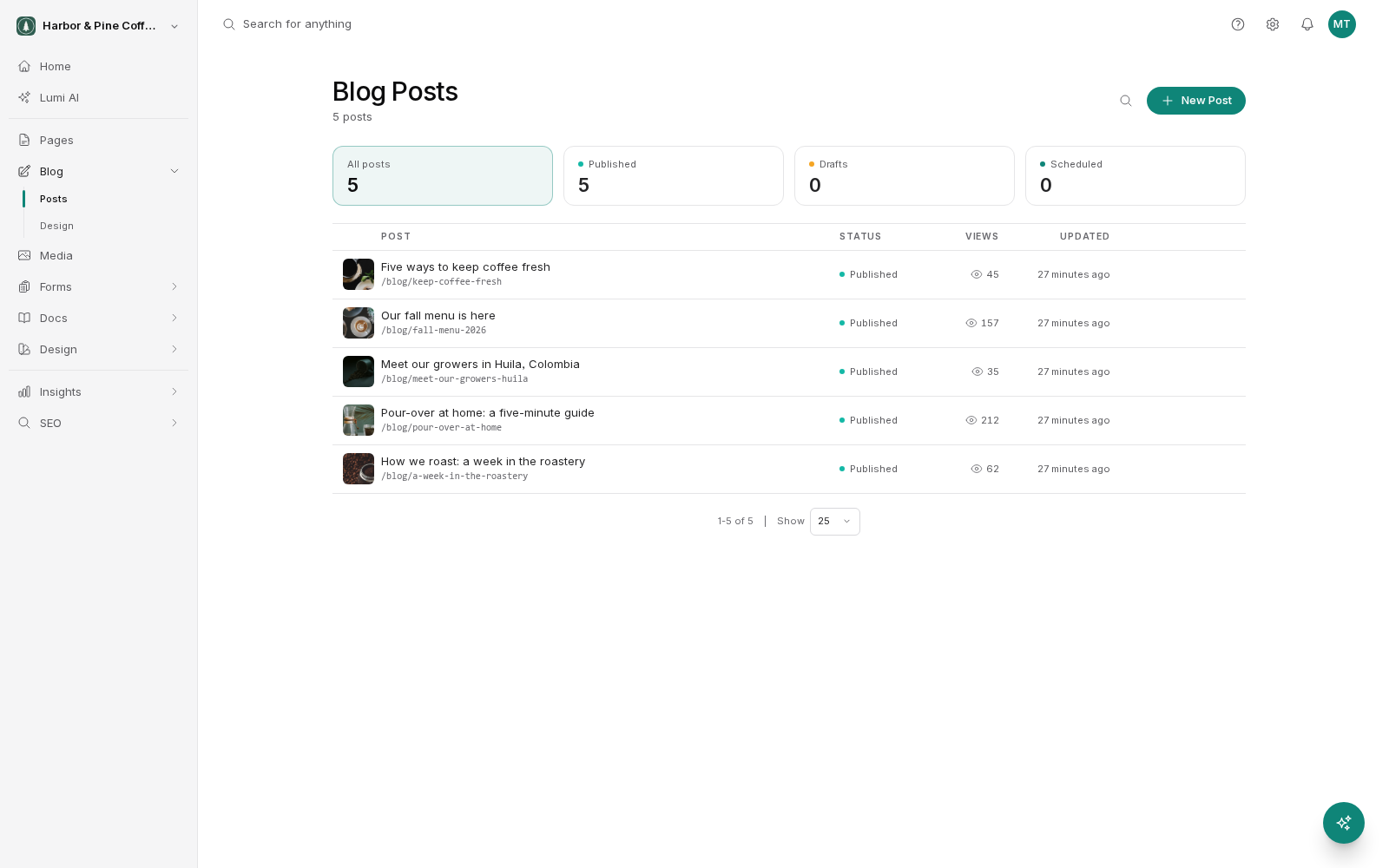
Your posts and the blog designs sit under Blog in the sidebar. The blog settings are in Settings → Blog (click the cog icon in the top right, then Blog under Content).
Turn the blog on
The blog is switched on and off in Settings → Blog. Until it is enabled, the blog is not part of your public site and its addresses do not resolve for visitors.
Turning it off later does not delete anything. Your posts stay in your account, and enabling it again brings the blog back as it was. That makes the toggle a reasonable way to hide a blog you are not ready to launch, rather than something to be nervous about.
Find where the blog lives
By default the blog listing sits at /blog on your site. That is the page visitors reach to see your posts, newest first, and each post has its own address beneath it.
The address is configurable in settings if /blog is not what you want, since some sites prefer news, insights or resources. Change it early if you are going to. Once posts are published and being linked to and indexed, changing the blog address changes every post address with it, and you will need to add redirects yourself so existing links keep working.
The blog is not automatically in your site navigation. If you want visitors to find it, add a link to it in your menu.
Tell a post from a page
Both produce a public address on your site, and the difference is about what the content is for rather than what it can contain.
A page is a fixed part of your site's structure. Your home page, about page, contact page and service pages are all pages. There is a known number of them, they sit in a hierarchy, they appear in your navigation, and they change occasionally. You build each one in the visual editor.
A post is one item in a growing, dated series. Posts share a single design rather than being laid out individually, they are ordered by publication date, and they appear automatically on the blog listing as soon as you publish. You write a post; you do not design it.
A useful test: if you would expect the item to appear in a list alongside similar items, and to become steadily older as newer ones arrive, it is a post. If it is a permanent destination someone navigates to on purpose, it is a page.
Know what the blog gives you
Because posts share a design, you get things you would otherwise build by hand for every article:
- A listing page that updates itself when you publish.
- A consistent post layout, so every article matches without you laying it out.
- Related posts at the end of an article to keep readers on the site.
- Featured images, excerpts and social sharing metadata handled per post.
You control how all of this looks in Blog → Design, and which parts appear at all with the Display Options toggles on the same screen.
Start writing
Once the blog is enabled, open Blog → Posts in the sidebar to see your posts and create one. Posts follow the same working-copy rules as everything else in BrightSite: your edits stay private until you publish, and each post keeps its own version history.